.png)
HIPAA compliant AR automation
Healthcare organizations face compounding pressure: recover patient balances efficiently while protecting every piece of protected health information (PHI). HIPAA compliant AR automation helps by building regulatory safeguards directly into the receivables workflow, reducing the manual gaps that create compliance exposure. This guide explains what compliance requires, the technical safeguards that support it, and a practical rollout plan for healthcare teams ready to modernize their approach.
The stakes are concrete. The HHS Office for Civil Rights reported over $135 million in HIPAA penalties in a single recent enforcement year. AR processes that touch patient billing data fall squarely within regulatory scope, and manual workflows create exposure at every step they introduce human handling of PHI.
What follows covers the regulatory foundation, the core technical controls your platform should include, and how Dash supports secure, efficient patient billing workflows from day one.
Key Takeaways
- Any AR platform that handles PHI must include a signed Business Associate Agreement (BAA) and technical safeguards aligned with HIPAA requirements.
- Encryption, role-based access controls, and audit logs are the three core technical requirements for HIPAA-aligned AR workflows.
- HIPAA compliant AR automation reduces manual PHI handling, improves speed-to-payment, and lowers operational overhead when paired with consistent internal policies.
Table of Contents
- The HIPAA Imperative: Why Compliant AR Automation Is Non-Negotiable
- How AR Automation Supports HIPAA Compliance: Core Features and Safeguards
- Operational Benefits with Dash
- Implementing Compliant AR Automation: A Practical Roadmap
The HIPAA Imperative: Why Compliant AR Automation Is Non-Negotiable
Patient billing is not a back-office afterthought. Statements, payment reminders, and balance notifications routinely include PHI, making the AR workflow a regulated activity under both the HIPAA Privacy Rule and the Security Rule. Generic billing tools and spreadsheet-based processes were not designed with these requirements in mind, and that gap creates measurable risk every time a staff member handles patient financial data manually.
Vendor accountability is part of the compliance picture, not a secondary concern. Any vendor that processes PHI on your behalf must sign a Business Associate Agreement that defines required safeguards and the vendor's responsibilities in the event of a breach. Without one, your organization absorbs exposure that should sit with the vendor. That is not a legal technicality -- it is an operational risk that auditors and enforcement agencies take seriously.
It is also worth recognizing how enforcement has evolved. The HHS Office for Civil Rights has expanded its audit program in recent years, moving beyond reactive breach investigations toward proactive compliance reviews. Healthcare organizations that treat HIPAA readiness as a checkbox exercise rather than an operating standard are increasingly likely to find themselves on the wrong side of that shift. Building compliant controls into your AR workflow from the start is far less costly than remediating findings after an audit.
Compliance Reality Check
HIPAA enforcement covers the full data lifecycle, including billing and collections. Audit readiness is an operating requirement, not a one-time project.
How AR Automation Supports HIPAA Compliance: Core Features and Safeguards
Effective HIPAA compliant AR automation is built on three technical controls that address the most common sources of PHI exposure in receivables workflows. Get these right, and the foundation holds. Skip any one of them, and the gaps compound.
Encryption protects PHI in transit and at rest. Data moving between your billing system, the AR platform, and patient-facing communications should be encrypted end-to-end. Data stored within the platform should be encrypted at rest so that a storage-level breach does not translate into a PHI exposure event. This is not optional -- the HIPAA Security Rule identifies encryption as an addressable implementation specification, which in practice means you need a documented reason if you choose not to apply it.
Role-based access controls ensure that patient financial data is accessible only to staff who need it to do their jobs. A billing coordinator does not need the same system access as a compliance officer. A collections team member should not be able to view data outside their assigned accounts. Granular permissions reduce the attack surface and make it significantly easier to demonstrate access governance during an audit.
Audit logs capture who accessed what, when, and what action was taken. They are essential for monitoring, breach investigation, and regulatory documentation. Without them, you cannot answer the most basic question an auditor will ask: who had access to this patient's data and what did they do with it?
SOC 2 Type 2 certification adds a layer of third-party validation that most healthcare AR teams should treat as a minimum standard when evaluating vendors. Unlike a point-in-time assessment, SOC 2 Type 2 covers security controls over an extended operating period, giving you evidence that safeguards are consistently applied -- not just in place on paper. For a platform that will store or process PHI on your behalf, that distinction matters. You can review HIPAA's technical safeguard requirements directly in HHS's Security Rule guidance.
Operational Benefits with Dash
Dash is built for teams that need to recover overdue patient balances without exposing PHI or sacrificing the patient relationship in the process. The platform automates outreach and self-service payment options, keeping patients informed and giving them flexible ways to resolve balances on their own terms -- which tends to produce better recovery outcomes than aggressive manual follow-up. Dash was built by experts with over 40 years of industry experience, and that depth shows in how the platform handles the compliance requirements healthcare teams actually face.
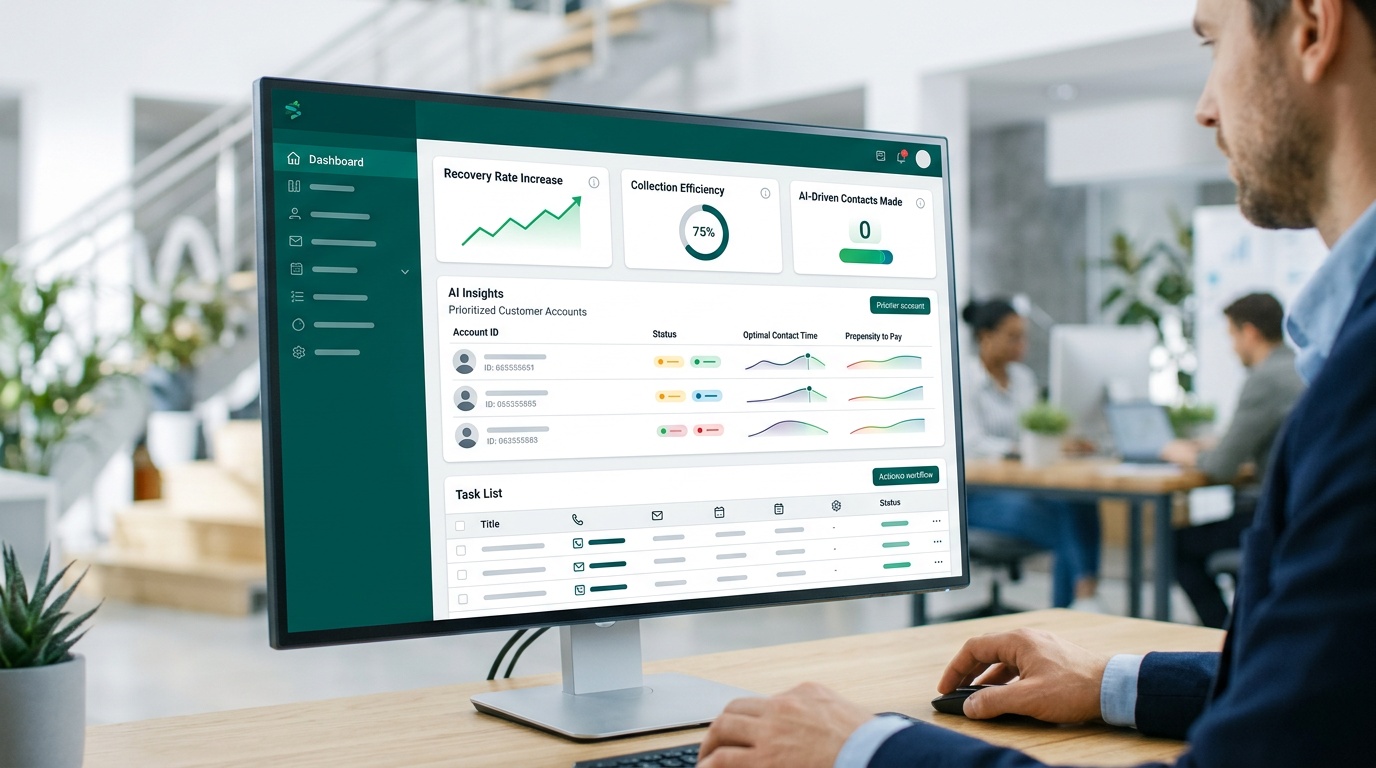
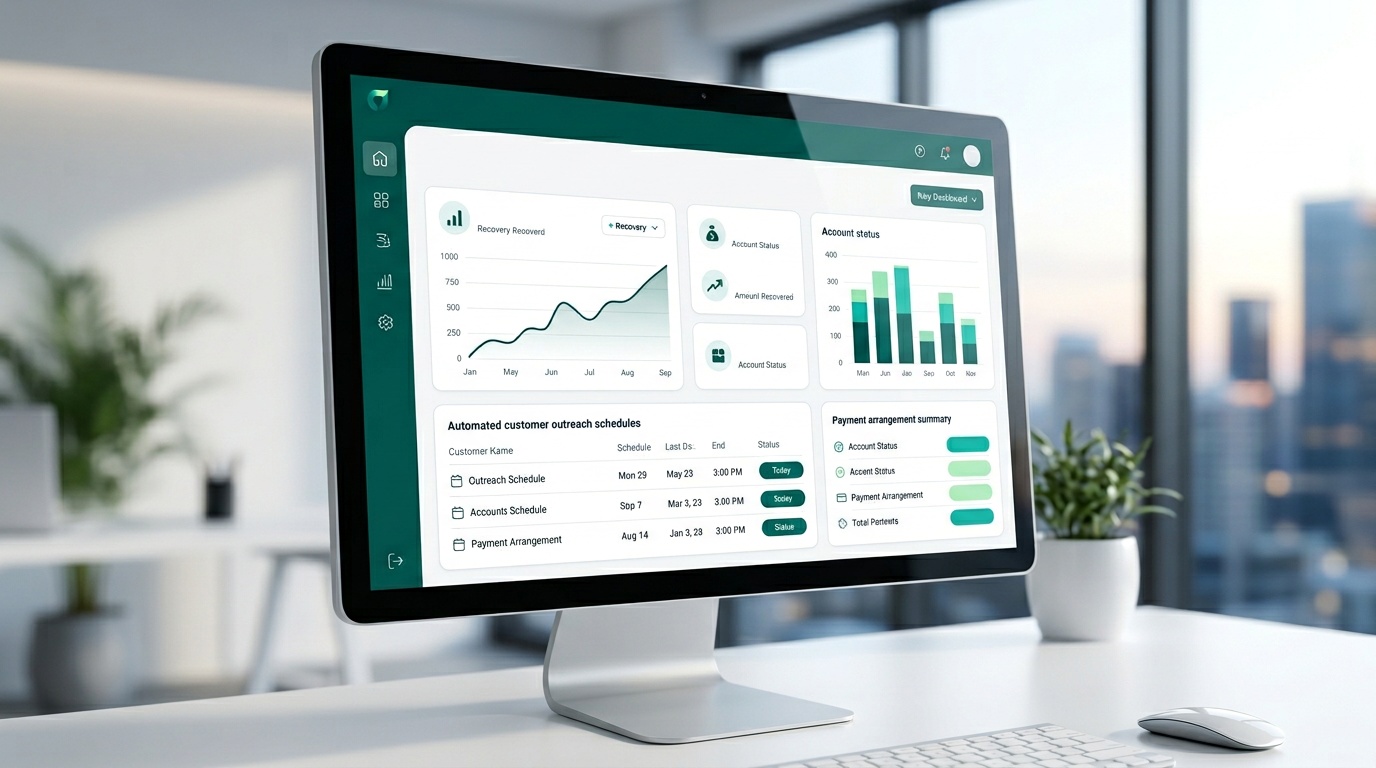
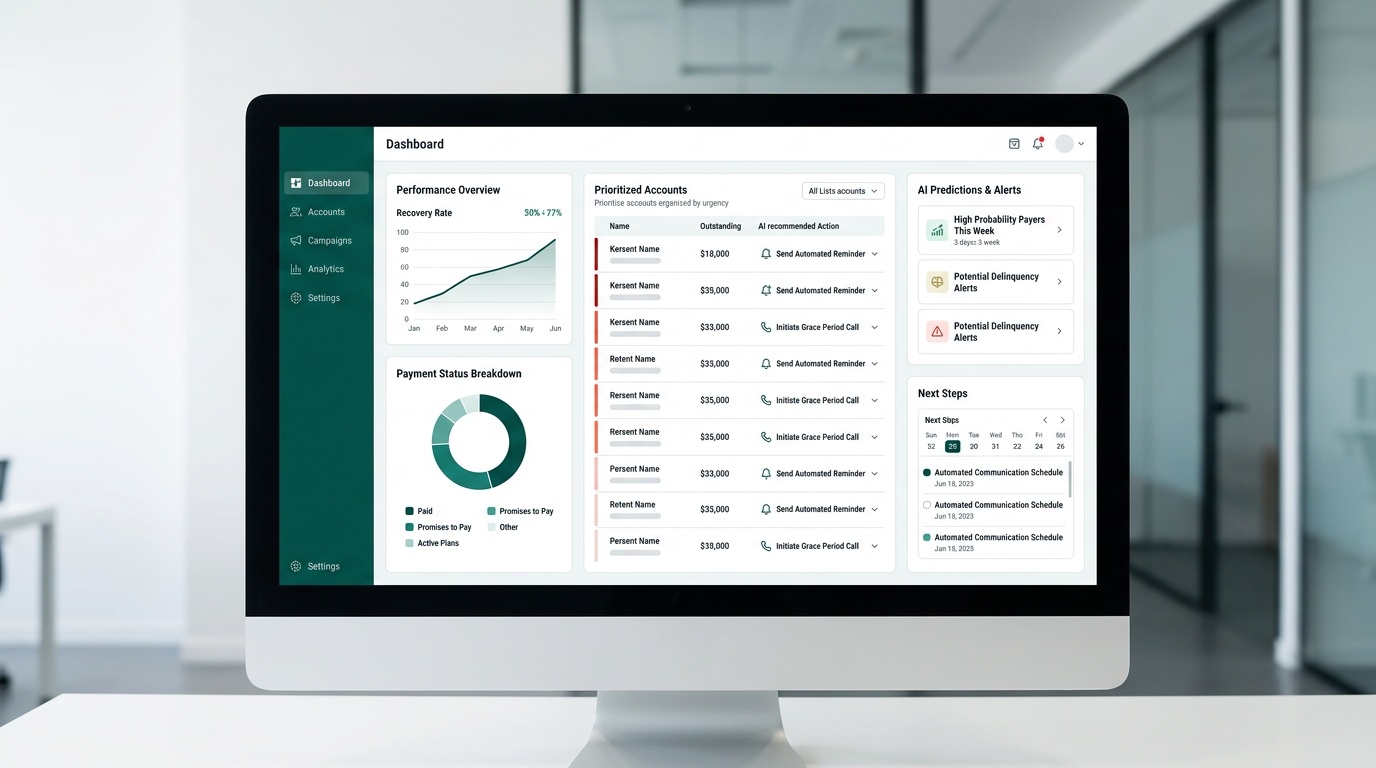
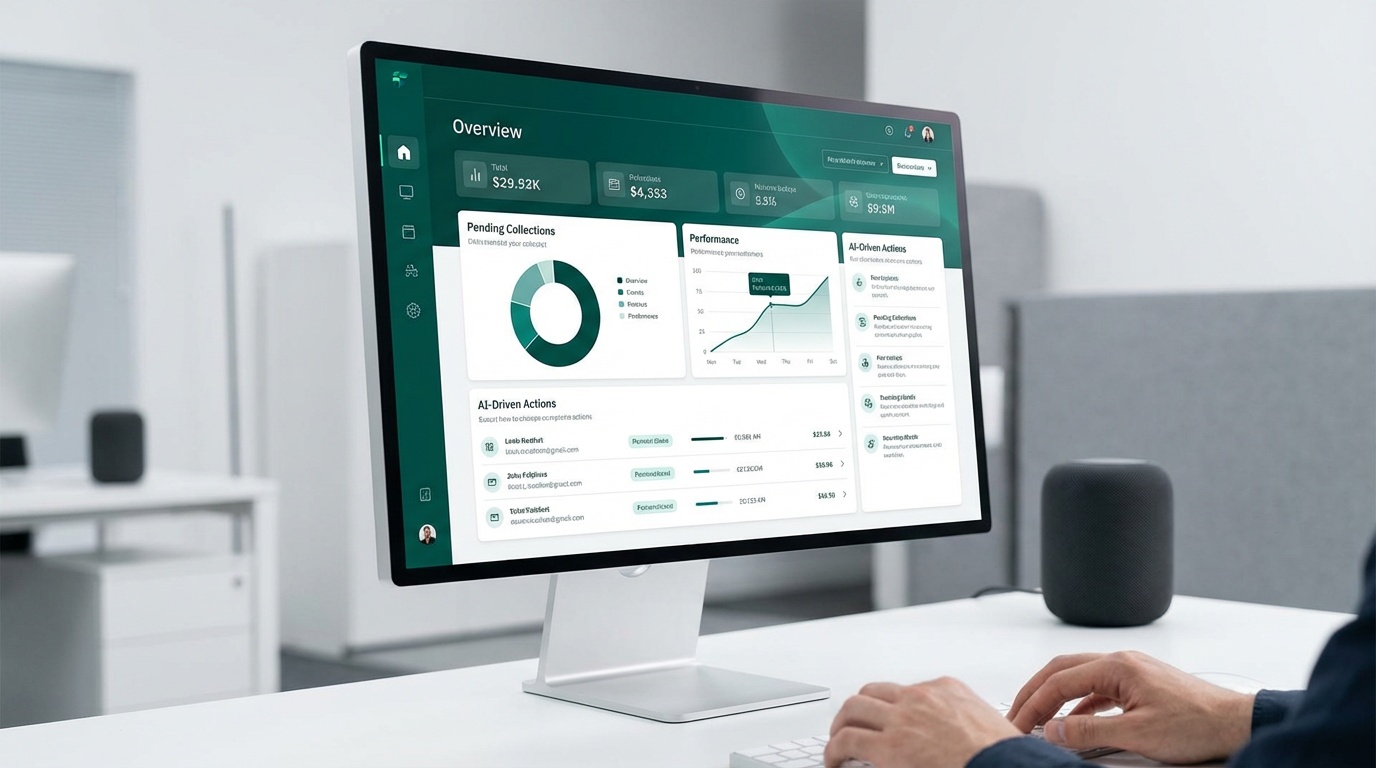
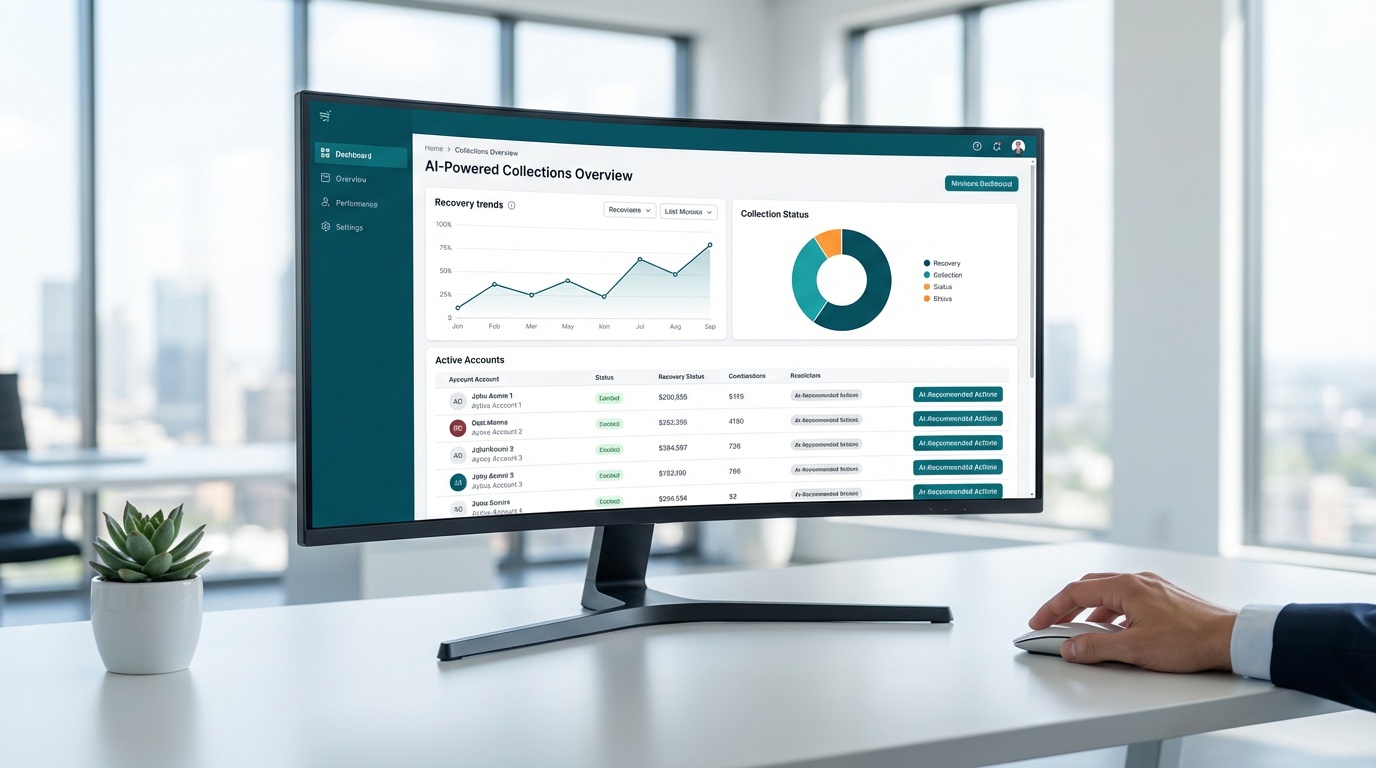
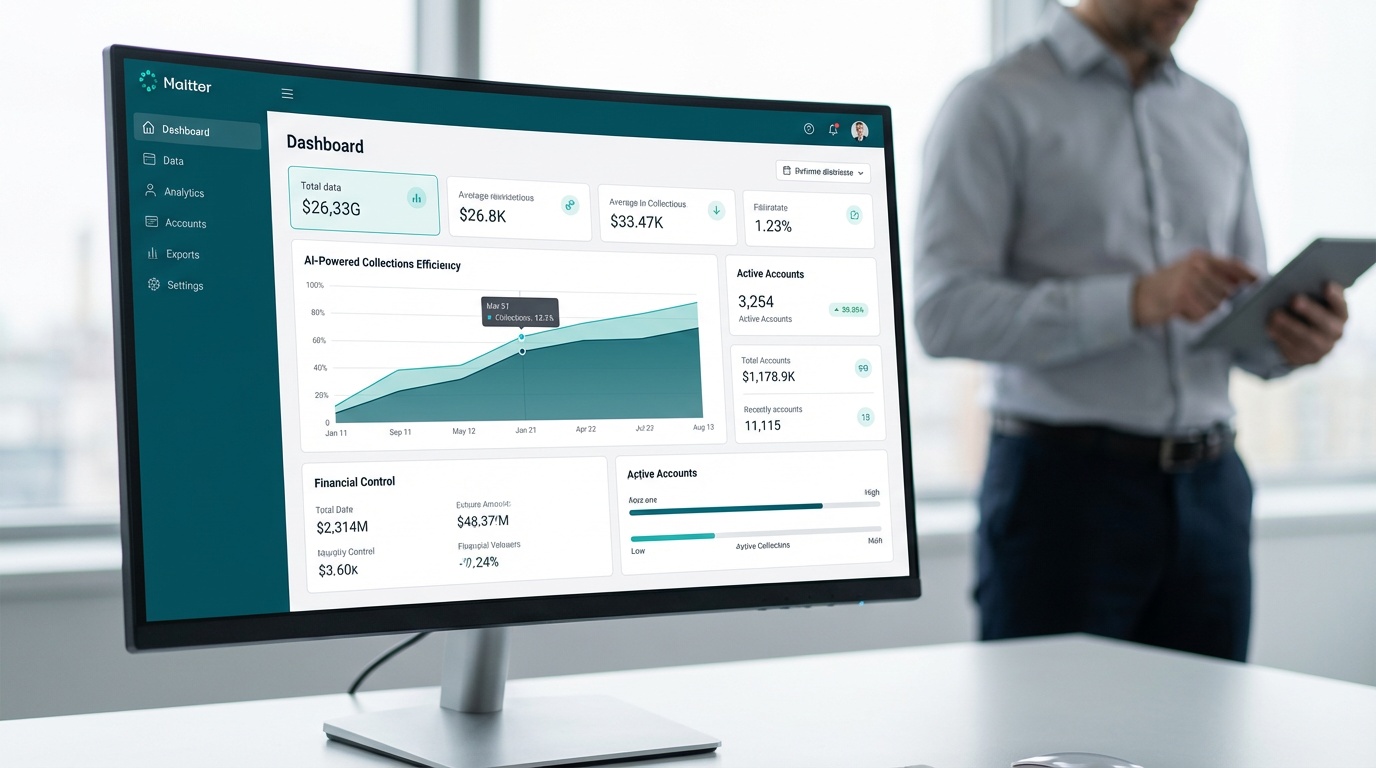
The real-time dashboard gives your team a clear view of recovery performance without requiring manual reporting or data exports. You can see which accounts are progressing, where follow-up is needed, and how the overall portfolio is trending -- all without touching a spreadsheet. That visibility matters both for operational efficiency and for demonstrating control during an audit.
Dash operates on a fixed monthly platform fee with no commissions on recovered amounts and no volume caps on accounts, texts, or emails. For healthcare organizations managing large patient account volumes, that pricing model eliminates the perverse incentive to limit outreach volume to control costs. Your team can contact the right patients at the right time without watching a meter run.
Weighing the Value
Adopting any new platform involves real trade-offs. The benefits of HIPAA compliant AR automation are substantial -- but so is the implementation work required to realize them. Going in with clear expectations on both sides makes the rollout more predictable and the outcome more sustainable.
The list below reflects what healthcare teams typically encounter when moving from manual or generic billing tools to a purpose-built, compliant AR platform like Dash.
✅ Pros
- Automated workflows reduce manual PHI handling and the compliance exposure that comes with it
- Fixed monthly fee supports predictable budgeting with no commission-based surprises
- Real-time dashboards give finance and compliance teams clear visibility into recovery performance
- Unlimited outreach volume means you can contact patients consistently without cost-per-message constraints
- Fast onboarding -- teams report measurable results within the first week of using Dash
❌ Cons
- Initial configuration requires staff time, process documentation, and mapping of existing data flows
- Teams transitioning from manual workflows will need training and an adjustment period
- Compliance outcomes depend on consistent internal adherence to role permissions and access policies -- the platform supports compliance, but your team has to operate it correctly
Implementing Compliant AR Automation: A Practical Roadmap
Before you configure a single workflow, audit every point where PHI enters your AR process. Map data flows from intake through payment resolution. Identify where patient financial data is stored, who can access it, and how it moves between systems. Unprotected handoffs -- a spreadsheet emailed between departments, a shared login used for billing exports -- are the vulnerabilities that auditors find and enforcement actions follow. Document what you find, even the gaps. That documentation demonstrates a good-faith compliance posture if questions arise later.
Confirm vendor agreements before connecting any system to patient data. If an existing vendor lacks a signed BAA, that gap needs to be closed before automation goes live. The same applies to any new platform you bring in. A vendor that cannot provide a BAA or hesitates to sign one is not a vendor your healthcare organization should trust with PHI, regardless of how capable the software is.
Once agreements are in place, configure access controls before you import accounts. Assign roles based on actual job functions. Restrict data access to the minimum necessary for each role -- a principle HIPAA codifies explicitly. Audit those permissions quarterly, and update them immediately when staff roles change. Leaving a departed employee's access active is one of the most common and avoidable compliance findings in healthcare organizations of every size.
With Dash, onboarding is designed to move quickly while keeping security controls in focus. The platform is built to support FDCPA and TCPA communication requirements and is designed to meet HIPAA and PCI DSS standards. Most teams are running live workflows within their first week. To see the full capabilities in practice, request a demo or explore how Dash works.
Frequently Asked Questions
What is HIPAA compliant AR automation?
HIPAA compliant AR automation integrates regulatory safeguards directly into your patient receivables workflow. It helps healthcare organizations recover patient balances efficiently while protecting protected health information (PHI). This approach reduces manual steps that can lead to compliance failures and potential penalties.
Why is HIPAA compliance so important for patient billing?
Patient billing workflows involve protected health information (PHI) through statements, reminders, and balance notifications. This makes AR a regulated activity under HIPAA Privacy and Security Rules. Non-compliance can lead to significant penalties, with the HHS Office for Civil Rights reporting over $135 million in a single enforcement year.
What technical safeguards are essential for HIPAA compliant AR?
Effective HIPAA compliant AR automation relies on three core technical controls. Encryption protects patient financial data both in transit and at rest, while role-based access limits this sensitive information to authorized staff only. Additionally, audit logs capture all access and activity history, supporting monitoring and investigations.
What is a Business Associate Agreement (BAA) and why is it important for AR automation vendors?
A Business Associate Agreement (BAA) is a contract that defines the required safeguards and responsibilities when a vendor processes protected health information (PHI) on your behalf. It's important because without a signed BAA, your organization could face unnecessary exposure if a data breach occurs within a vendor's system. Always confirm your AR automation vendor has a signed BAA in place.
How can AR automation help reduce HIPAA risks in patient billing?
AR automation reduces HIPAA risks by minimizing manual handling of protected health information (PHI), which often creates exposure points. By building regulatory safeguards directly into the receivables workflow, it helps ensure consistent data protection. This approach improves audit readiness and lowers the chance of compliance failures.
What are the operational benefits of using HIPAA compliant AR automation?
Implementing HIPAA compliant AR automation can significantly reduce manual handling of patient data, which streamlines operations. It also improves speed-to-payment by automating outreach and self-service options. When paired with consistent internal processes, this can lower overall operational overhead for healthcare organizations.
How should healthcare organizations begin implementing compliant AR automation?
Start by auditing every point where protected health information (PHI) enters your AR process. Map data flows, identify any unprotected handoffs, and confirm all vendor agreements. If a vendor lacks a signed Business Associate Agreement, address that gap before integrating any new automation.