.png)
Dash Account Receivables Management tutorial
Dash Account Receivables Management Tutorial: A Step-by-Step Guide to Automated Recovery
Overdue invoices don't just hurt cash flow -- they consume staff hours, strain customer relationships, and quietly erode the financial health of your business. If your team is still chasing payments manually, you already know how unsustainable that process is. The Dash Account Receivables Management tutorial is designed to change that, walking you through a smarter, automated approach to recovering what you're owed -- without handing control to a third party.
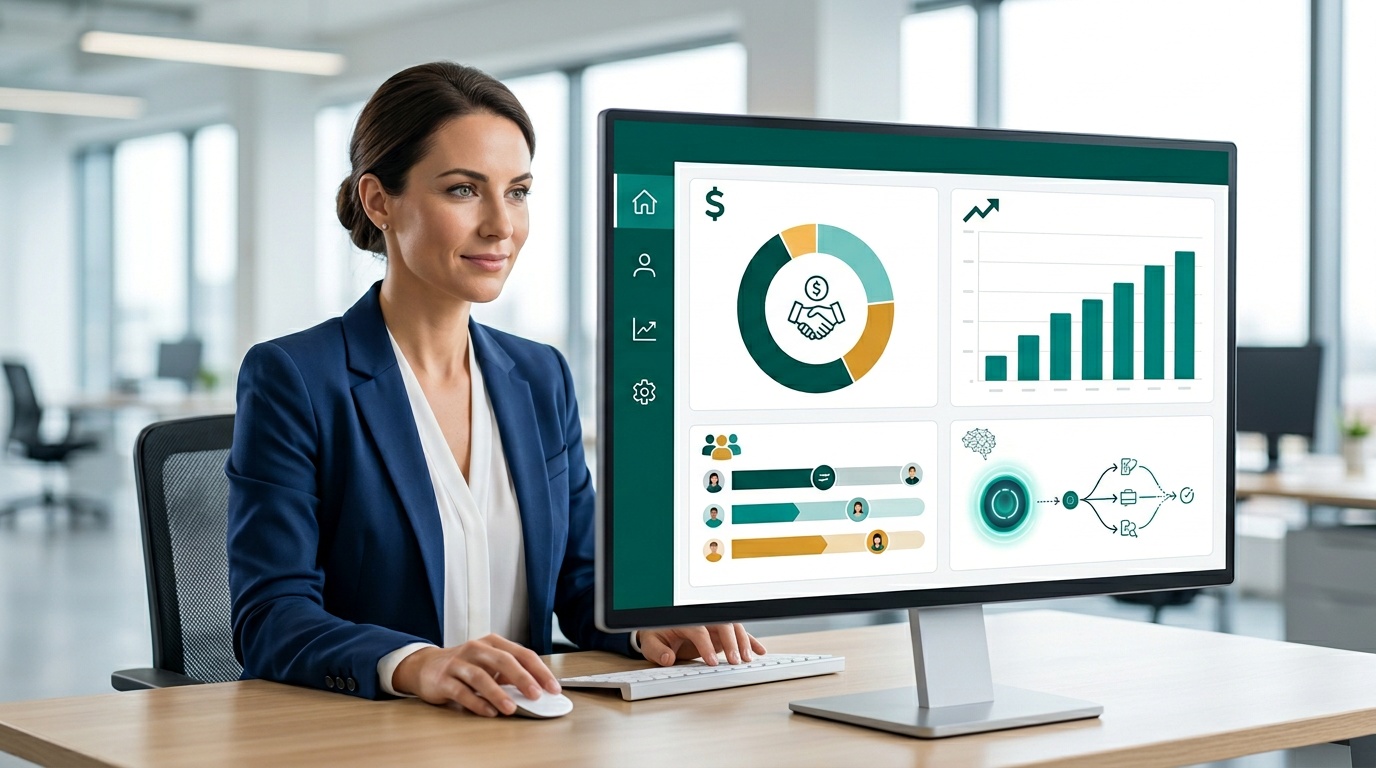
Dash is a cloud-based soft collections platform that puts your business back in the driver's seat. Instead of relying on commission-based agencies or disconnected spreadsheets, your team manages outreach, payment plans, and performance monitoring from one real-time dashboard. This tutorial covers every core step: importing accounts, activating AI-driven outreach, enabling self-service payments, and reading your recovery data.
Whether you're in financial services, healthcare, property management, or any of the other industries Dash serves, the workflow is the same. You set the rules. You control the cadence. You keep the customer relationship intact. Let's walk through it.
Key Takeaways
- The Dash Account Receivables Management tutorial covers four core steps: account import, outreach configuration, payment plan setup, and performance monitoring.
- AI-driven automation handles follow-up timing and personalization, freeing your team from manual outreach while improving response rates.
- Dash is SOC 2 Type 2 certified and built to support FDCPA, TCPA, HIPAA, and PCI DSS compliance requirements -- with full audit logging on every interaction.
- Self-service payment portals reduce inbound call volume and shorten the time between first contact and recovered payment.
- The real-time dashboard gives you segmented visibility into account status, payment activity, and outreach engagement -- no manual reporting required.
What Is the Dash Account Receivables Management Tutorial?
The Dash Account Receivables Management tutorial is a practical walkthrough showing teams how to automate overdue account outreach, configure payment plans, and monitor recovery performance from a single real-time dashboard. It's built for operations managers, finance teams, and billing staff who need a repeatable, scalable process -- not a crash course in debt law.
Dash is a first-party collections platform. That means your business retains full ownership of the customer relationship throughout the recovery process. There's no handoff to an outside agency, no commission carved out of what you recover, and no risk of aggressive third-party tactics damaging the goodwill you've built. You configure the messaging, the timing, and the payment options. Dash automates the execution.
The platform is SOC 2 Type 2 certified and designed to support compliance with FDCPA, TCPA, HIPAA, and PCI DSS requirements. Every outreach interaction is logged automatically, creating an audit trail your compliance team can rely on. That combination of automation and accountability is what separates Dash from both manual processes and traditional third-party collection methods.
Why This Tutorial Matters for Your Team
Before walking through the steps, it's worth grounding this in the operational reality most businesses face. Industry research consistently shows that the probability of recovering a past-due account drops sharply after 90 days. Every week your team spends on manual follow-up -- drafting emails, leaving voicemails, updating spreadsheets -- is a week that overdue balance is aging past the point of easy recovery.
Teams that complete this tutorial and configure Dash correctly gain measurable operational advantages:
- Automated follow-up sequences replace manual outreach, freeing staff for higher-value work
- Unlimited texts and emails with no volume caps mean your outreach scales with your account load, not your headcount
- Secure, self-service payment portals reduce friction and shorten the time between first contact and recovered payment
- A real-time dashboard tracks overdue accounts, outreach engagement, and recovery milestones without manual reporting
- AI-optimized delivery timing increases the likelihood that messages reach contacts when they're most likely to respond
- Automatic audit logging on every interaction supports FDCPA and TCPA documentation requirements
Dash also operates on a fixed monthly platform fee -- no commissions on recovered amounts. That pricing model matters because it aligns the platform's value directly with yours. You recover more, you keep more. Learn more about how the platform works at How Dash Works.
Step 1: Getting Started -- Importing Accounts and Setting Priorities
Before any automation runs, you need clean account data loaded into Dash. The import process is straightforward: export your overdue accounts from your billing system, map the required fields (account holder, contact information, balance, days overdue), and upload the file through the Dash dashboard. Most teams complete their first import within a single session.
Once accounts are in the system, you'll set your prioritization logic. Which accounts get first-contact outreach? Which are flagged for escalation paths? Dash supports segmentation by balance amount, days overdue, account type, and industry-specific criteria. A property management company, for example, might prioritize accounts approaching lease renewal. A healthcare practice might segment by insurance status. The platform is configurable to the logic that makes sense for your business.
Three decisions drive your initial setup: the accounts to prioritize first, the outreach cadence that fits your customer base, and the payment plan configurations that match your recovery goals. Dash guides each choice through an intuitive setup flow. For a personalized walkthrough configured for your industry, request a demo before you begin.
Step 2: Configuring Outreach Cadence and Payment Plans
After accounts are imported and segmented, you'll configure your outreach cadence inside the Dash dashboard. This means setting the timing, frequency, and messaging for automated text and email sequences. You control how many days after an account goes overdue the first message sends, how long between follow-ups, and when the sequence escalates tone or channel.
Dash's AI goes beyond a static schedule. It analyzes engagement signals -- open rates, click-throughs, payment portal visits -- and adjusts delivery timing to maximize the likelihood of a response. A contact who consistently opens messages on Tuesday evenings will be reached at that window, not at a fixed time you set manually. That level of personalization, applied across hundreds or thousands of accounts simultaneously, is something no manual process can replicate.
Payment plan configuration runs parallel to outreach setup. Define installment amounts, due dates, and accepted payment methods for each account segment. Customers access a secure self-service portal to pay on their schedule, which reduces inbound call volume to your team and removes the friction that delays payment. Each transaction and interaction is logged automatically. That audit trail isn't just a compliance asset -- it gives your team a clear, timestamped record of every touchpoint if a dispute arises later.
Step 3: Monitoring Recovery Performance and Iterating
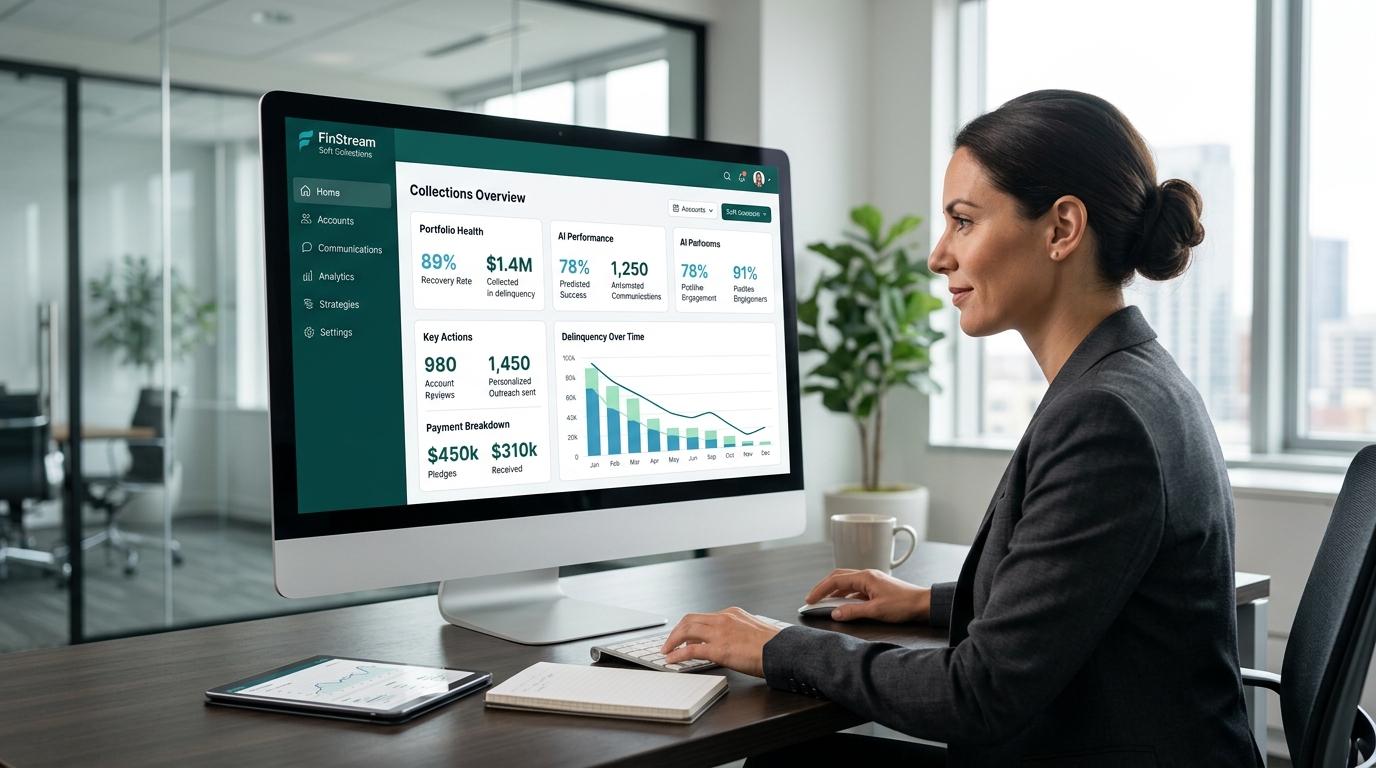
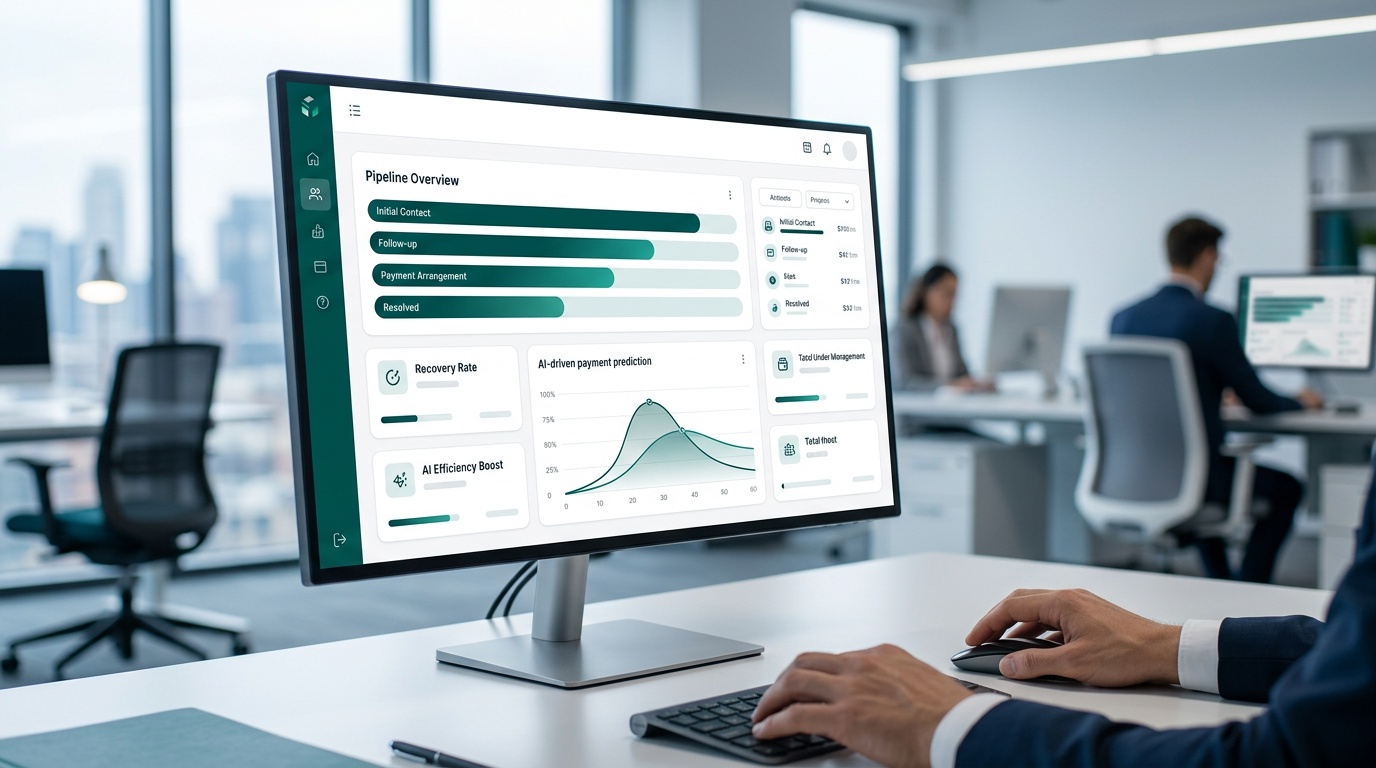
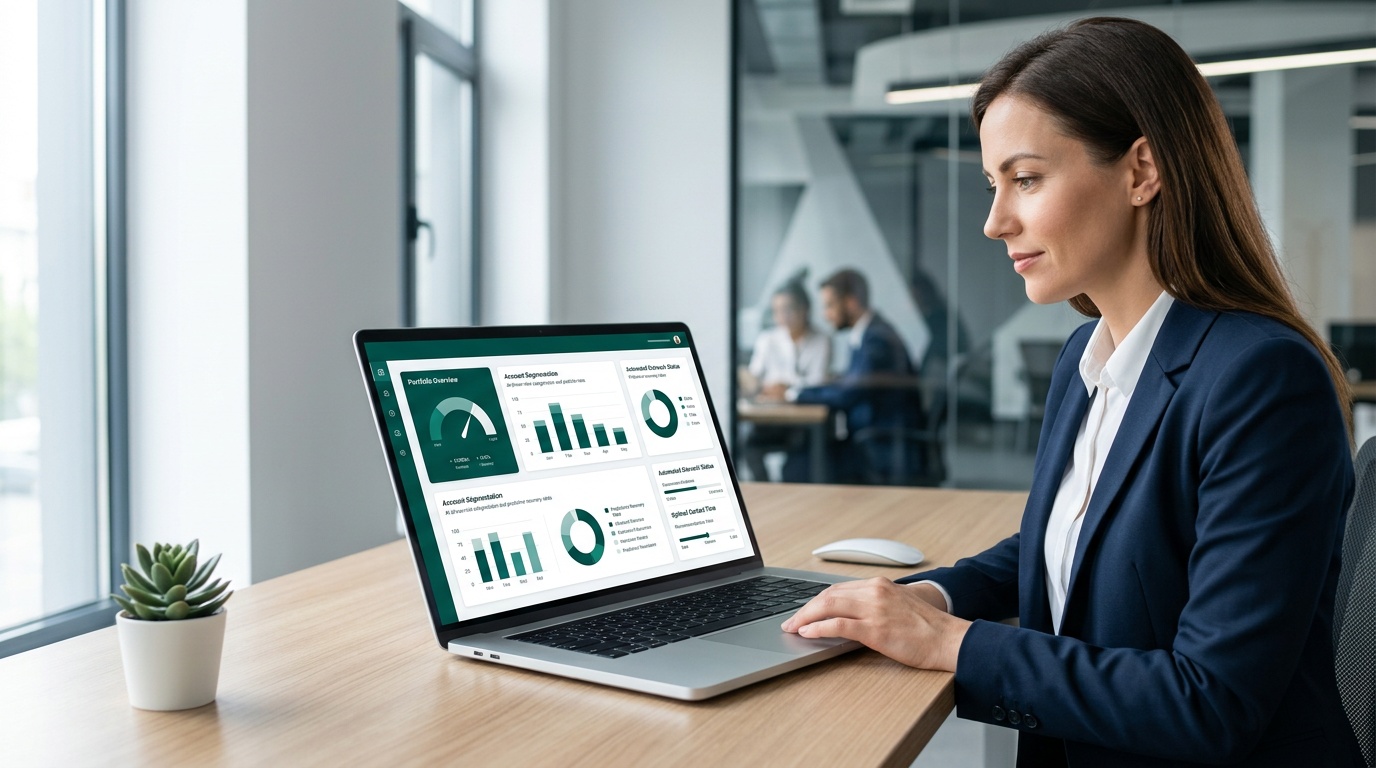
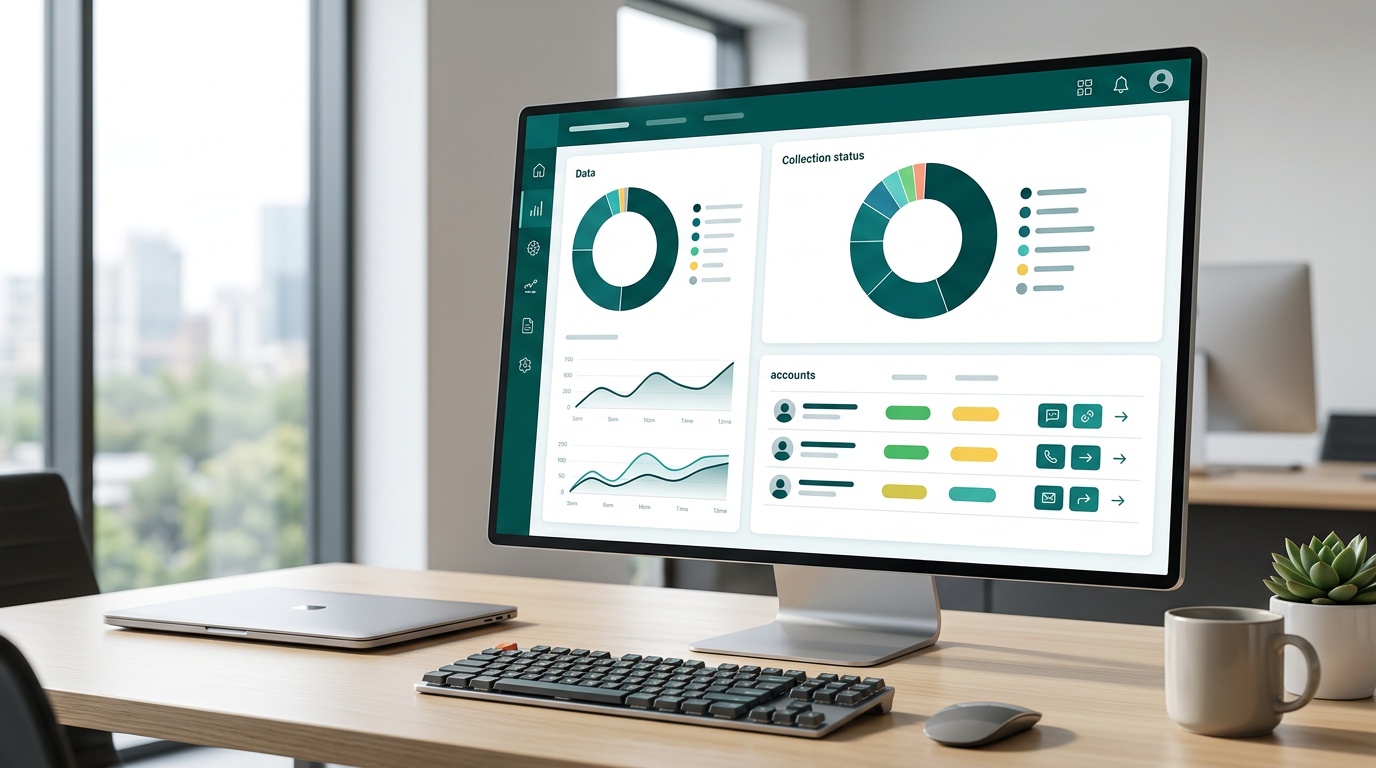
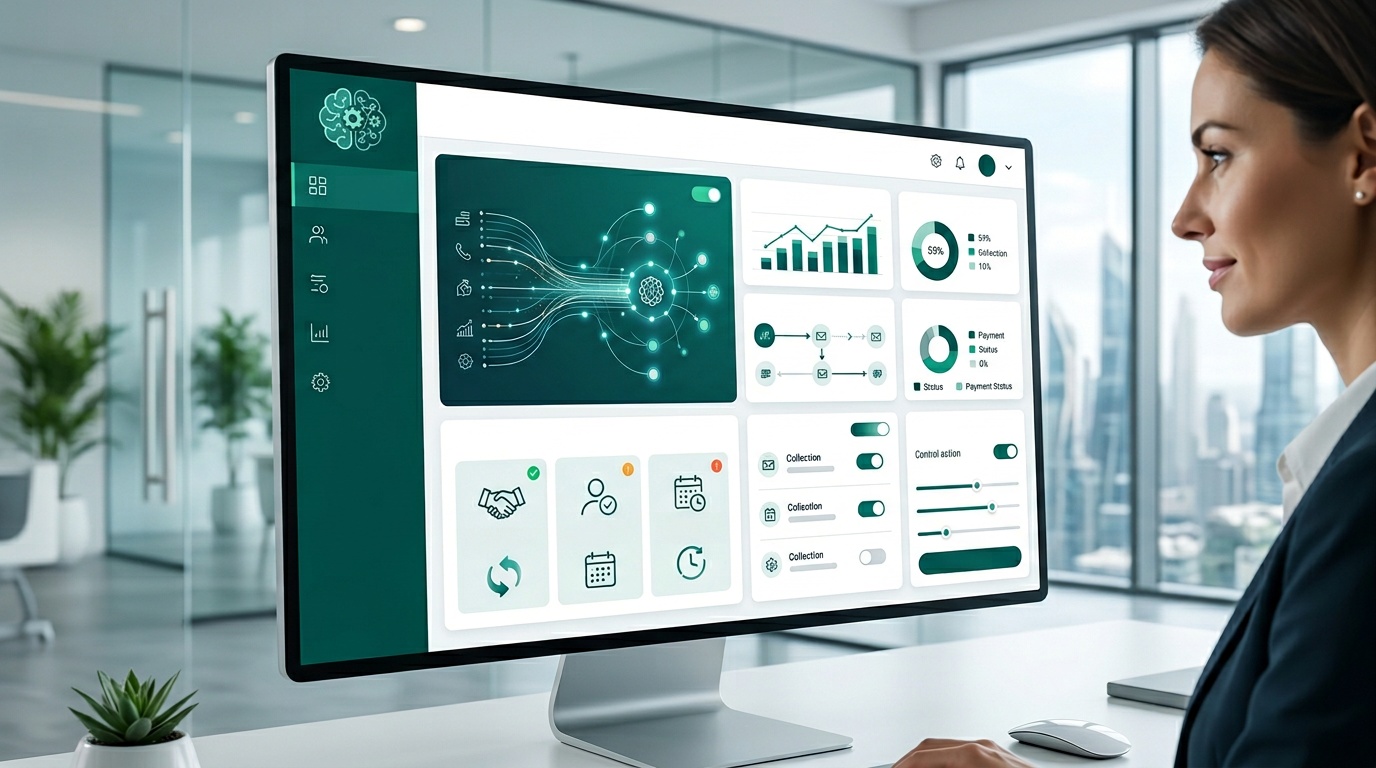
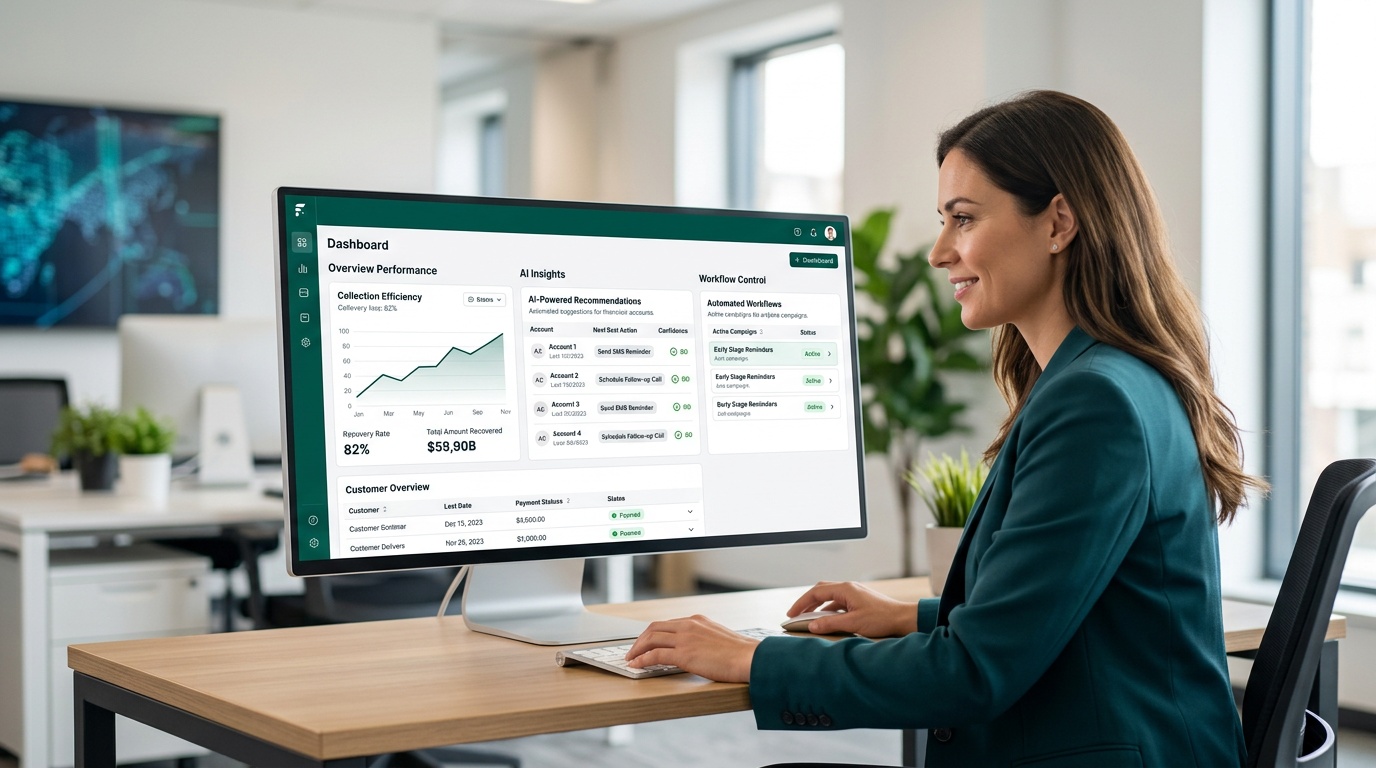
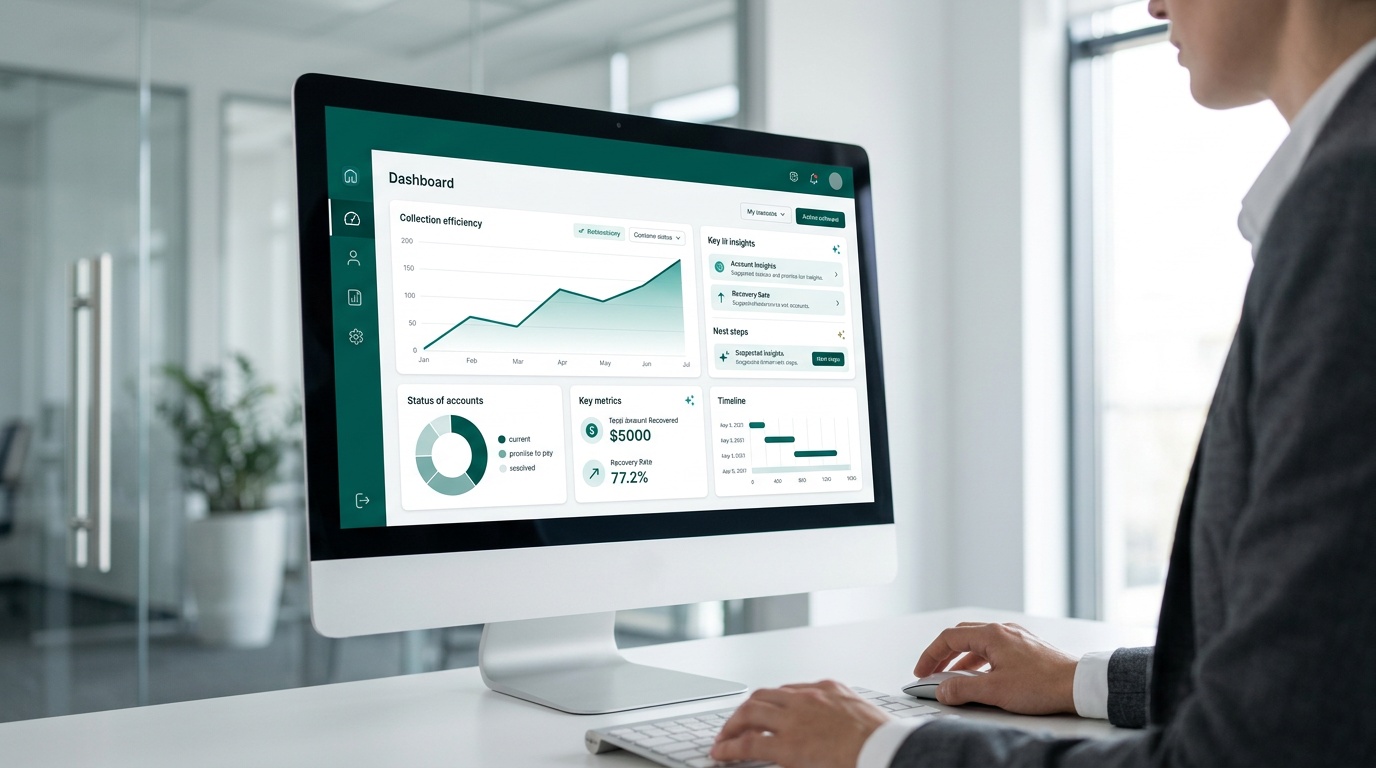
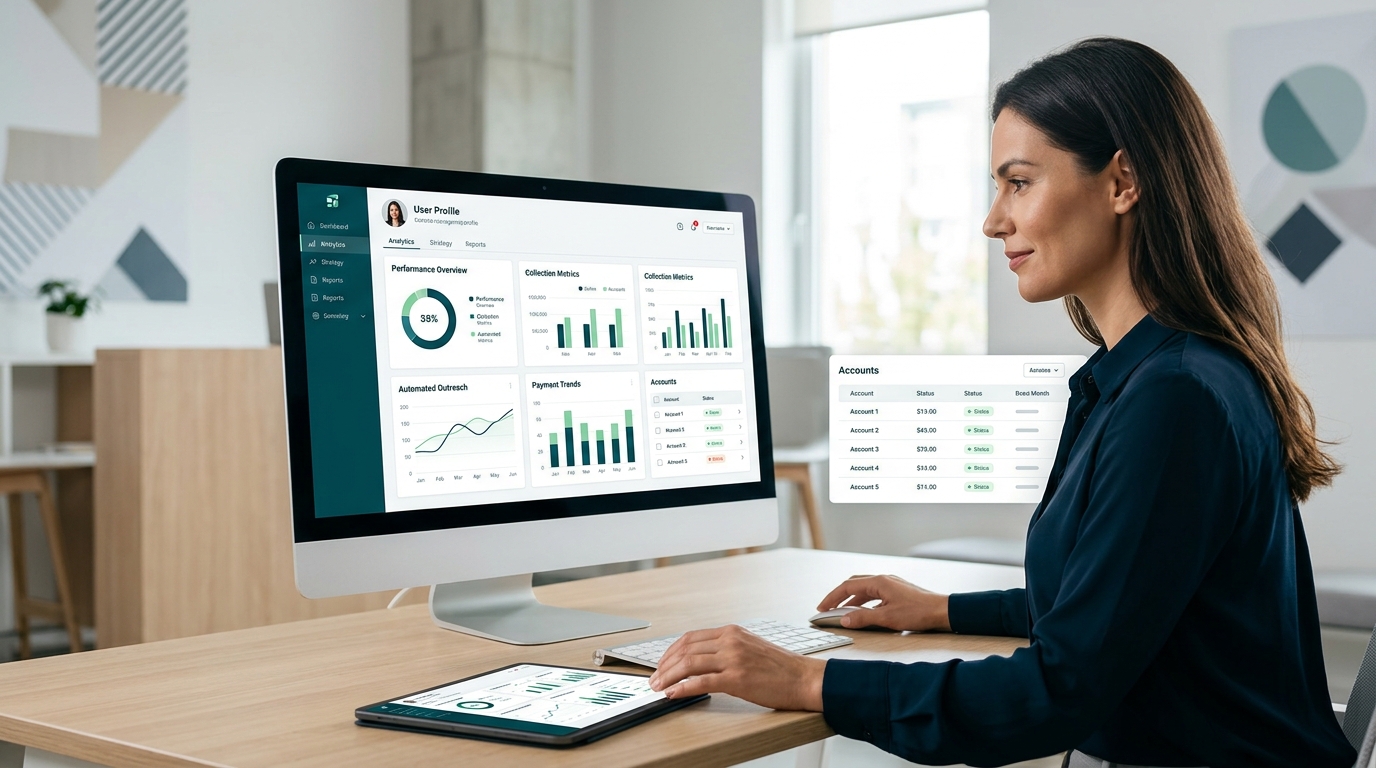
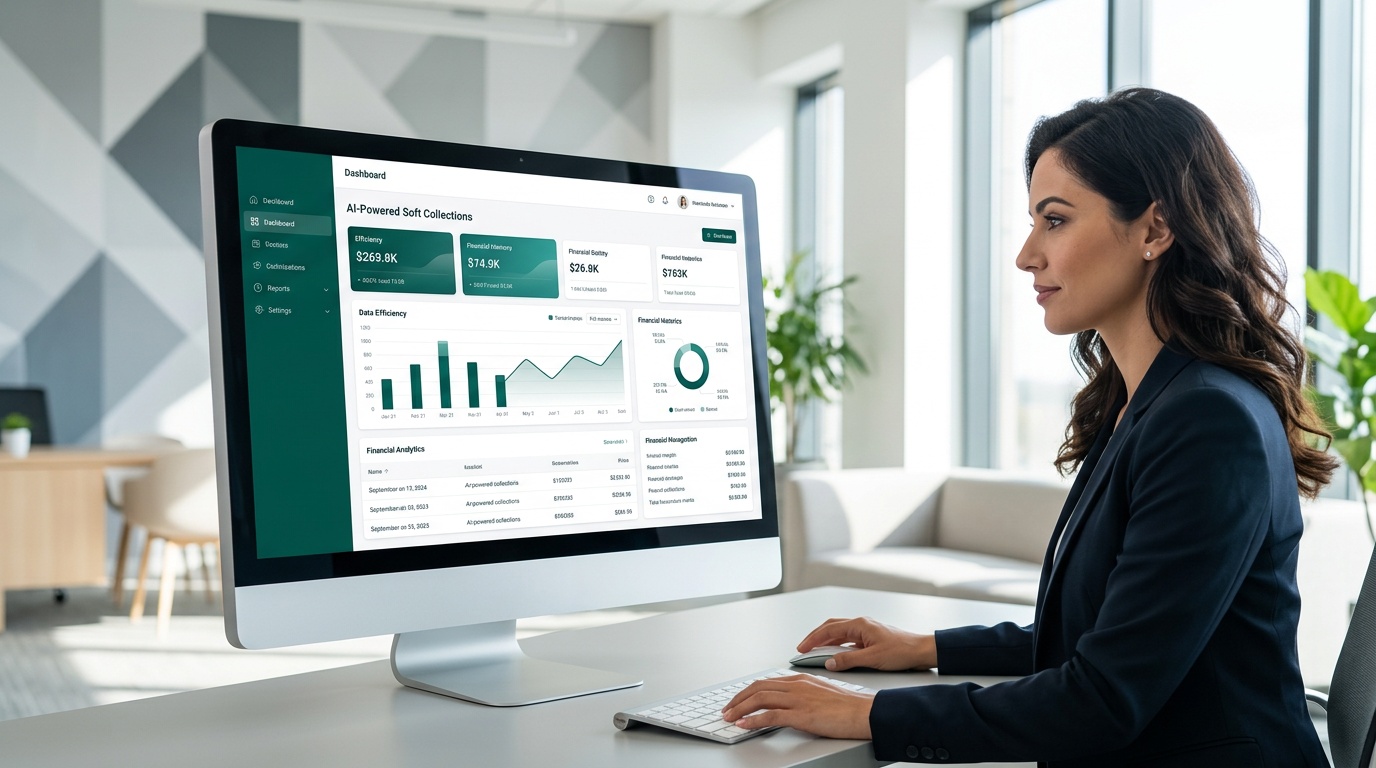
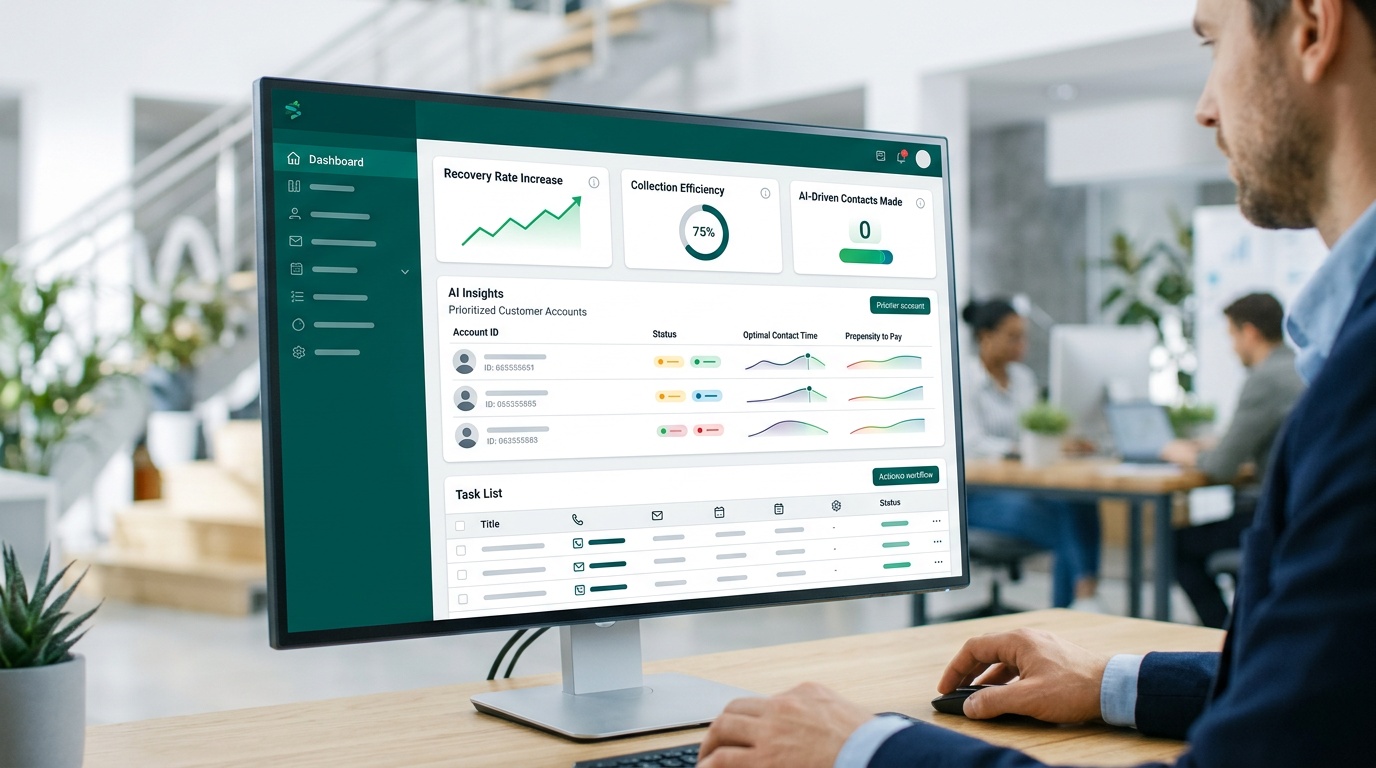
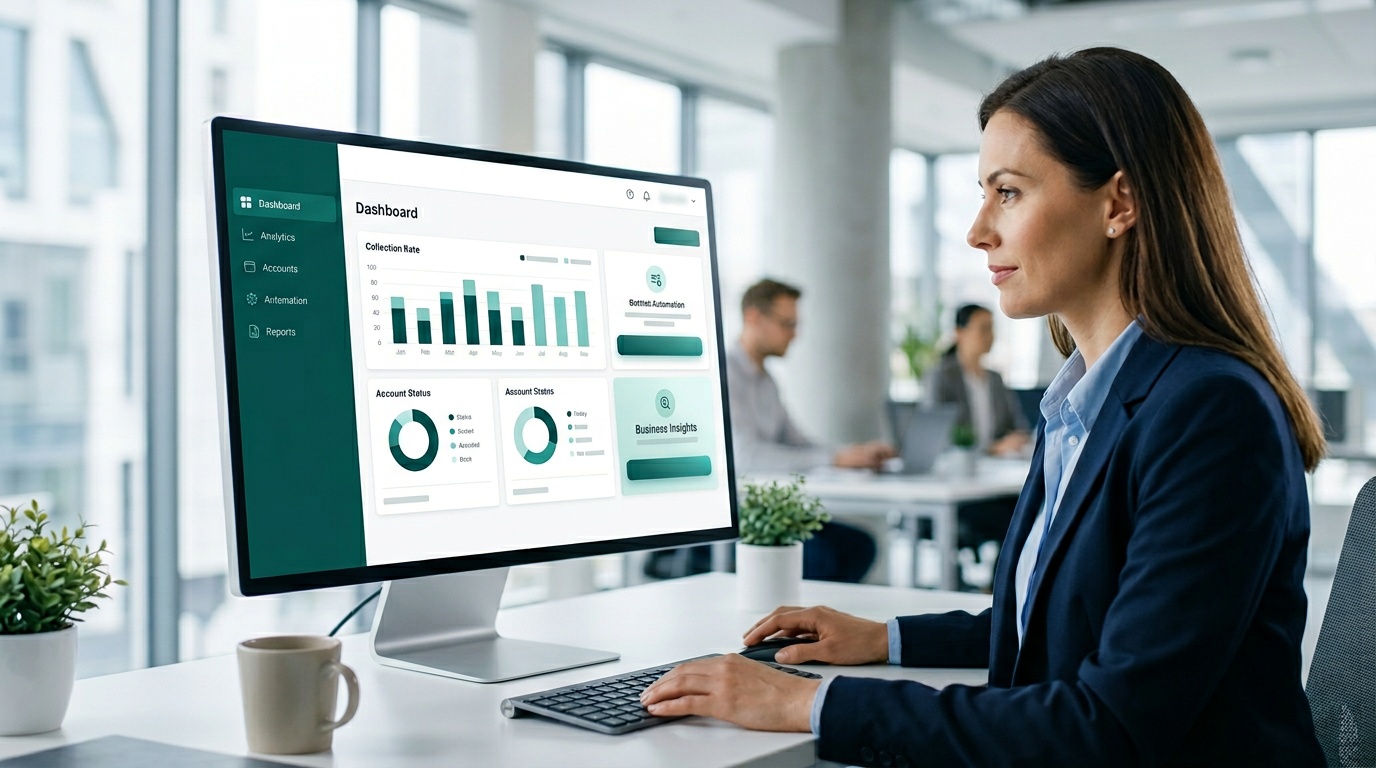
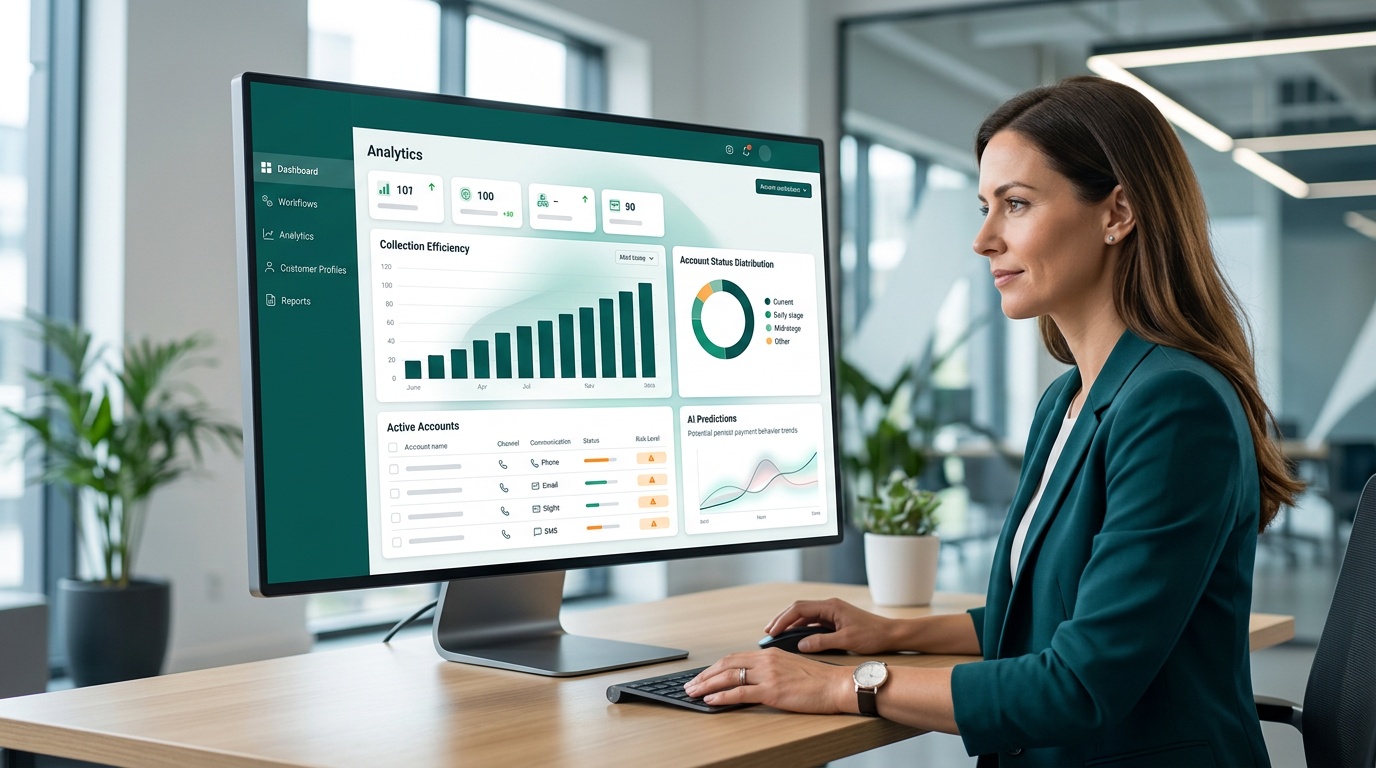
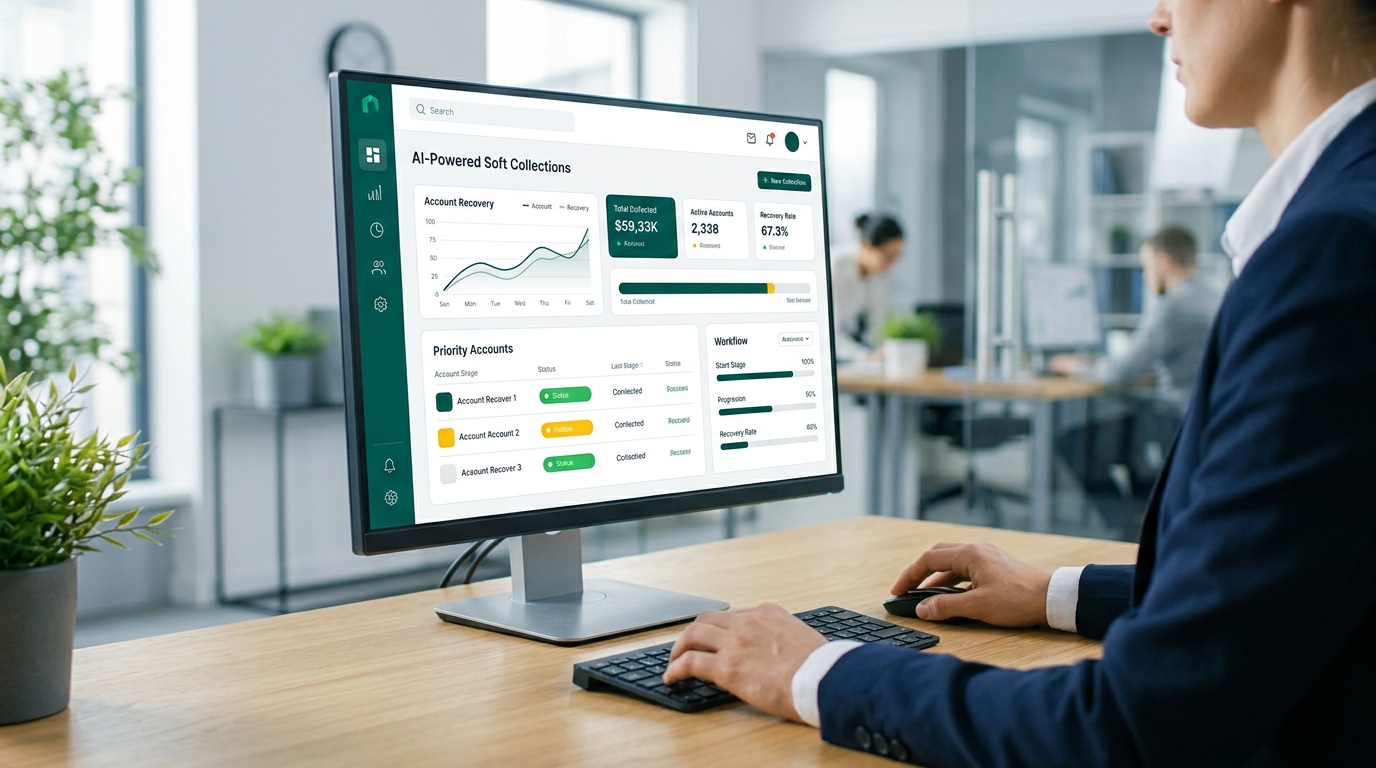
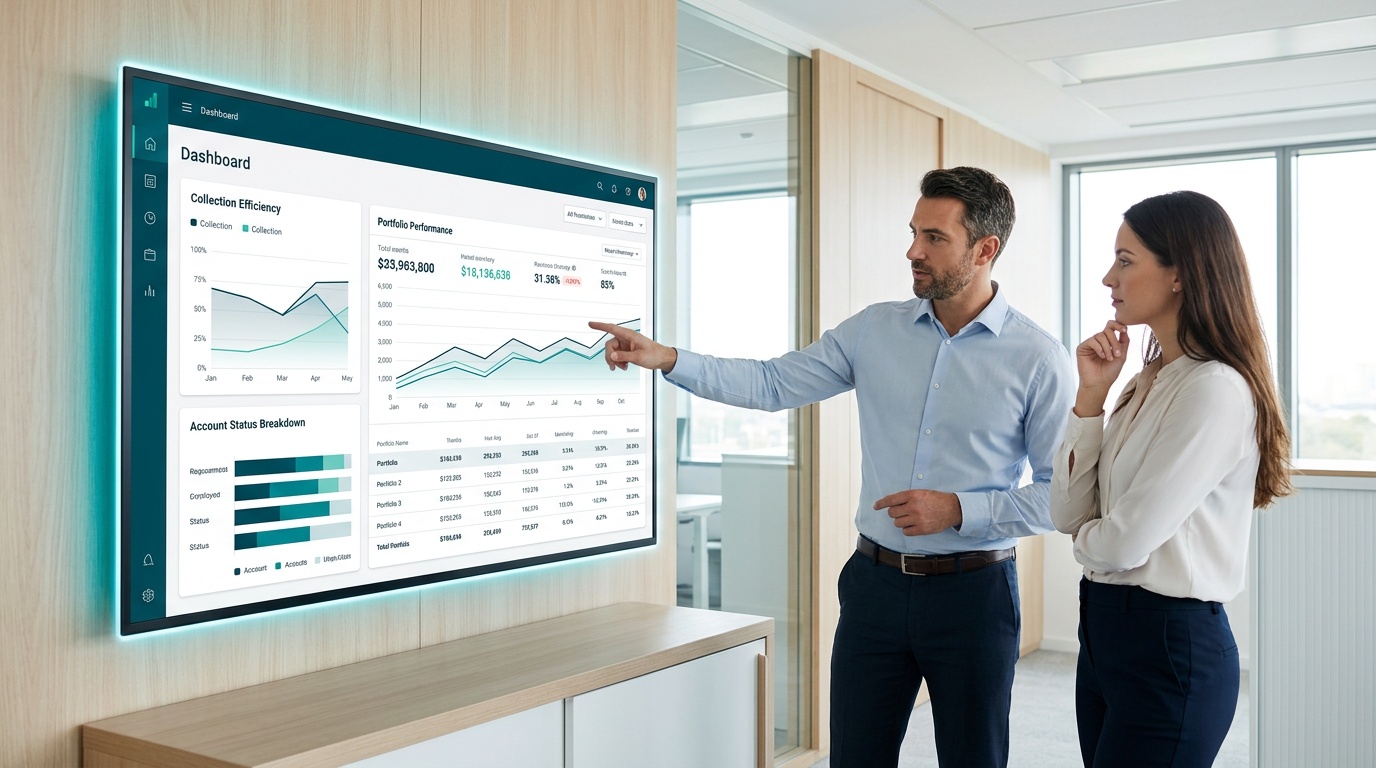
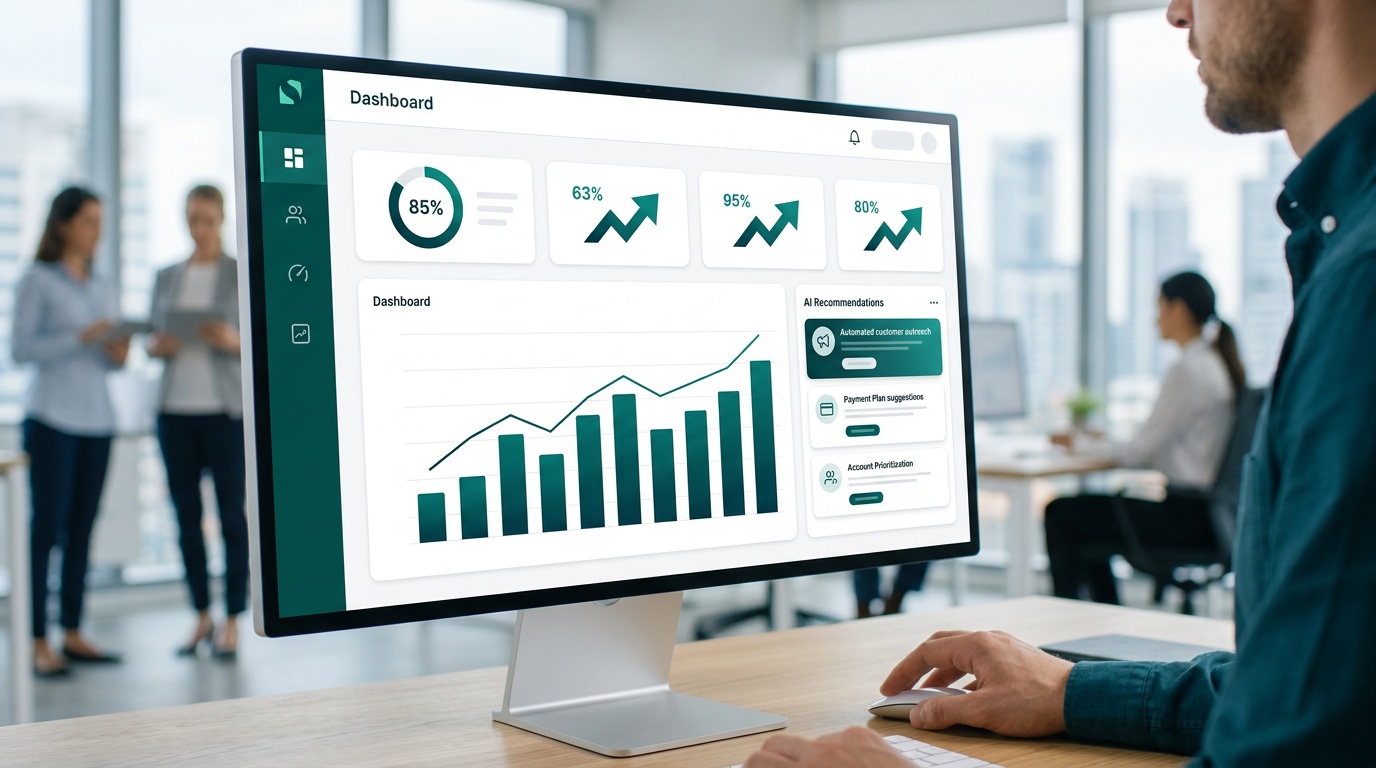
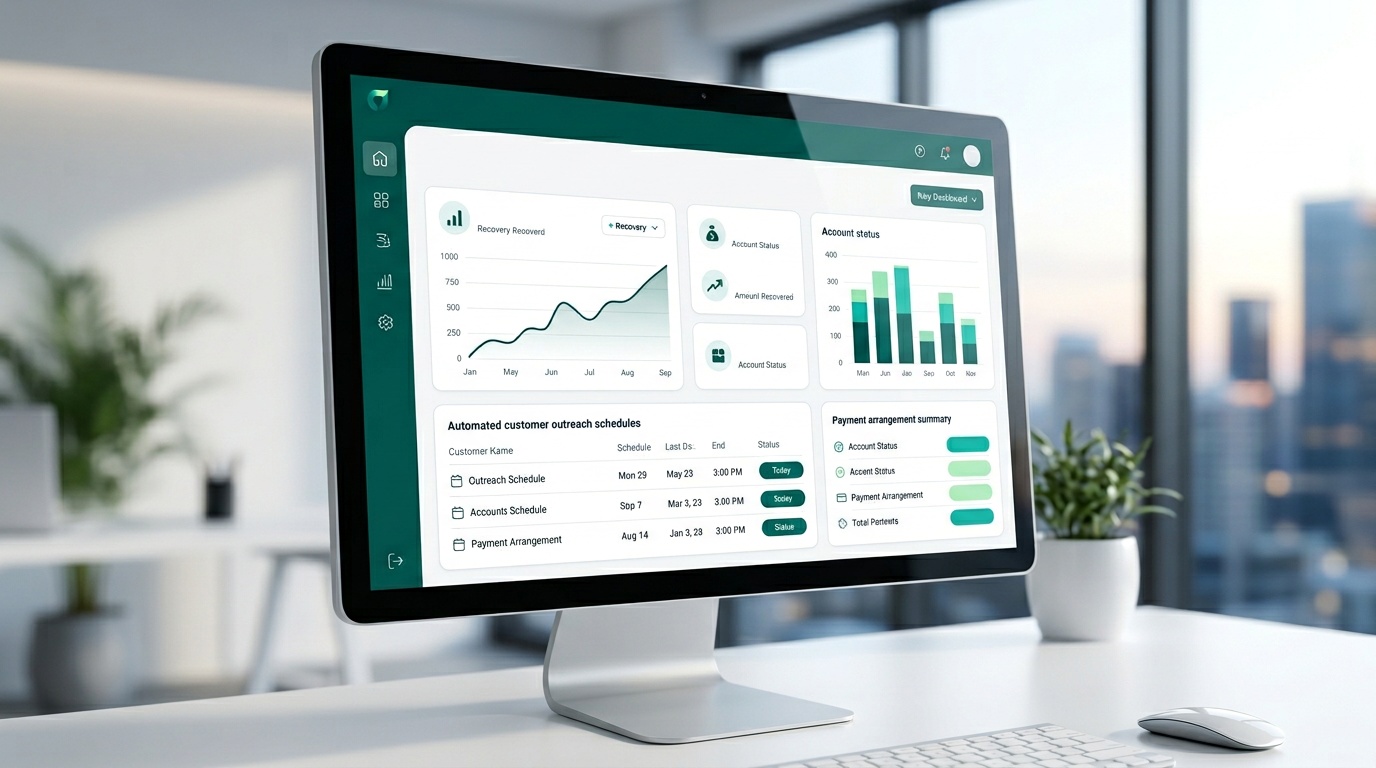
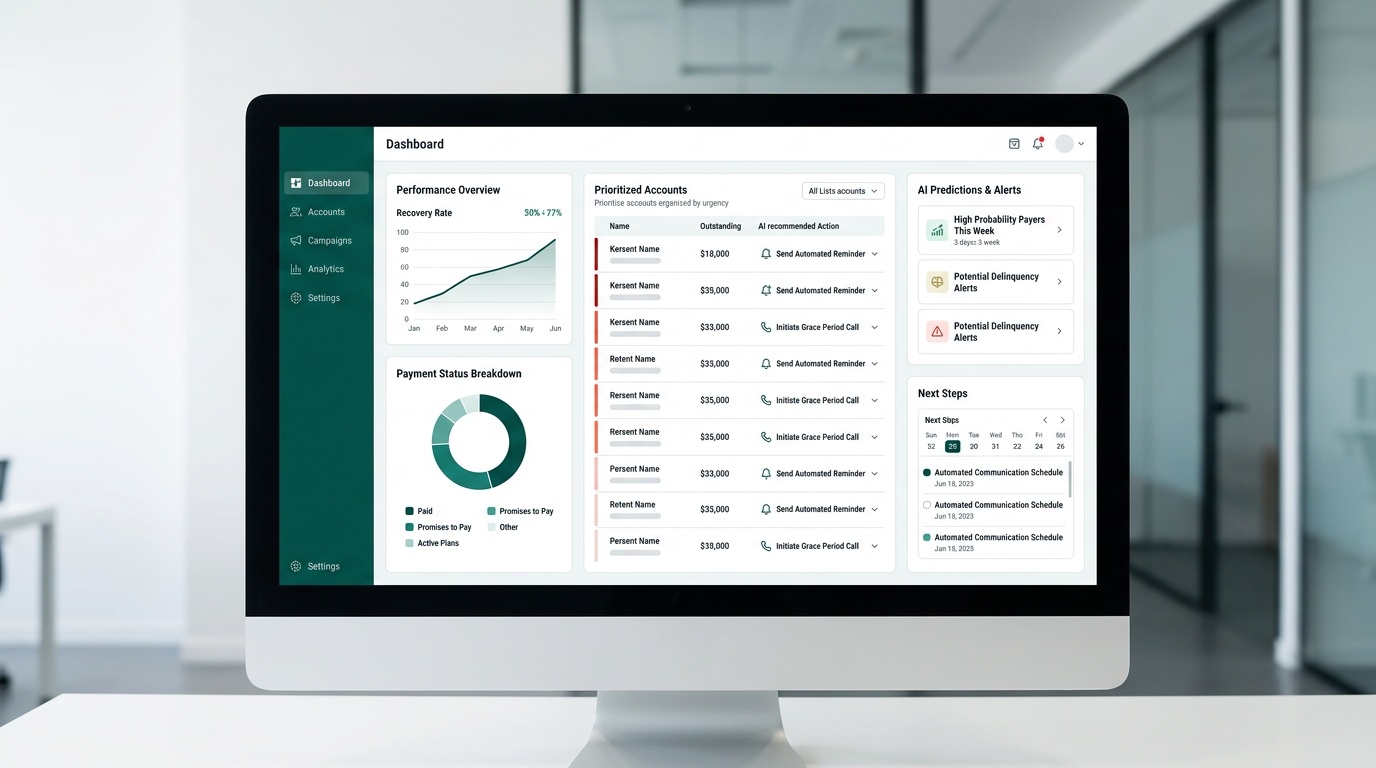
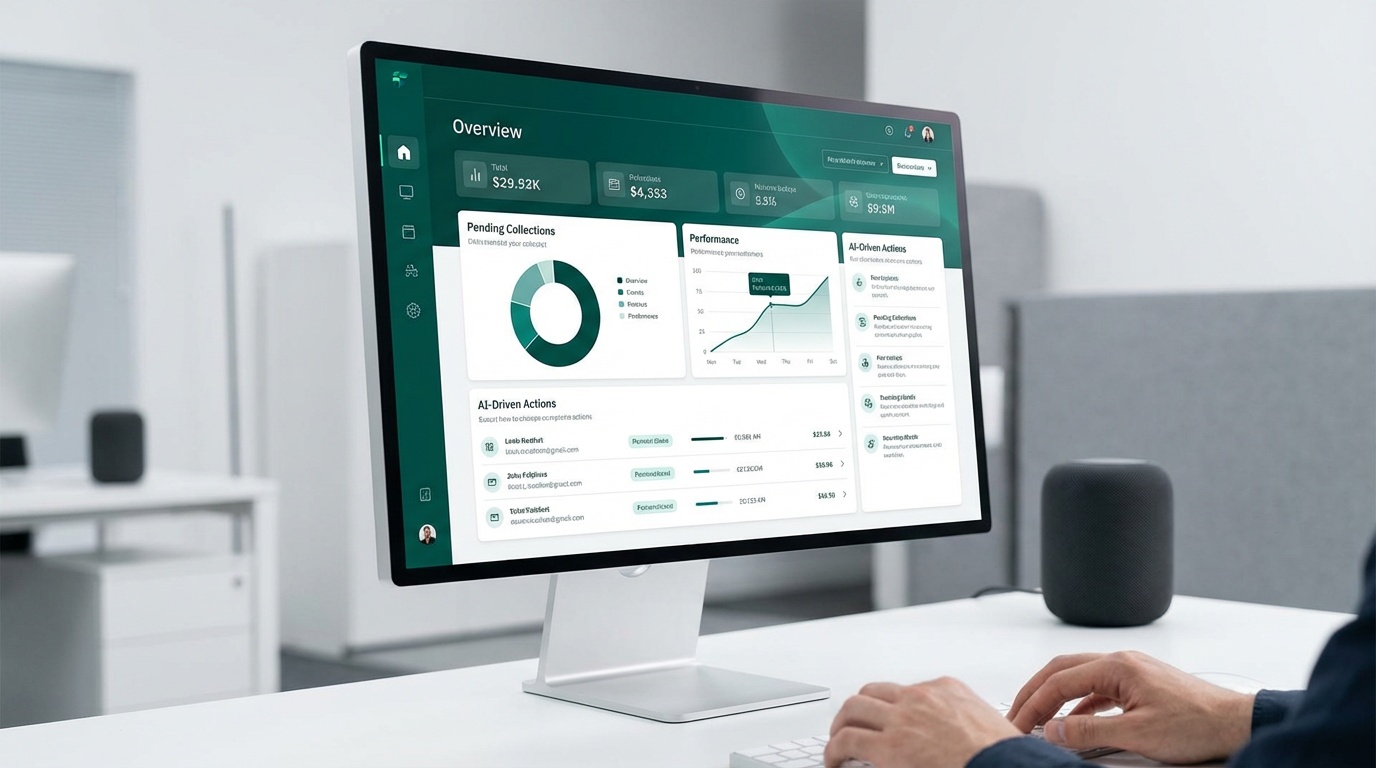
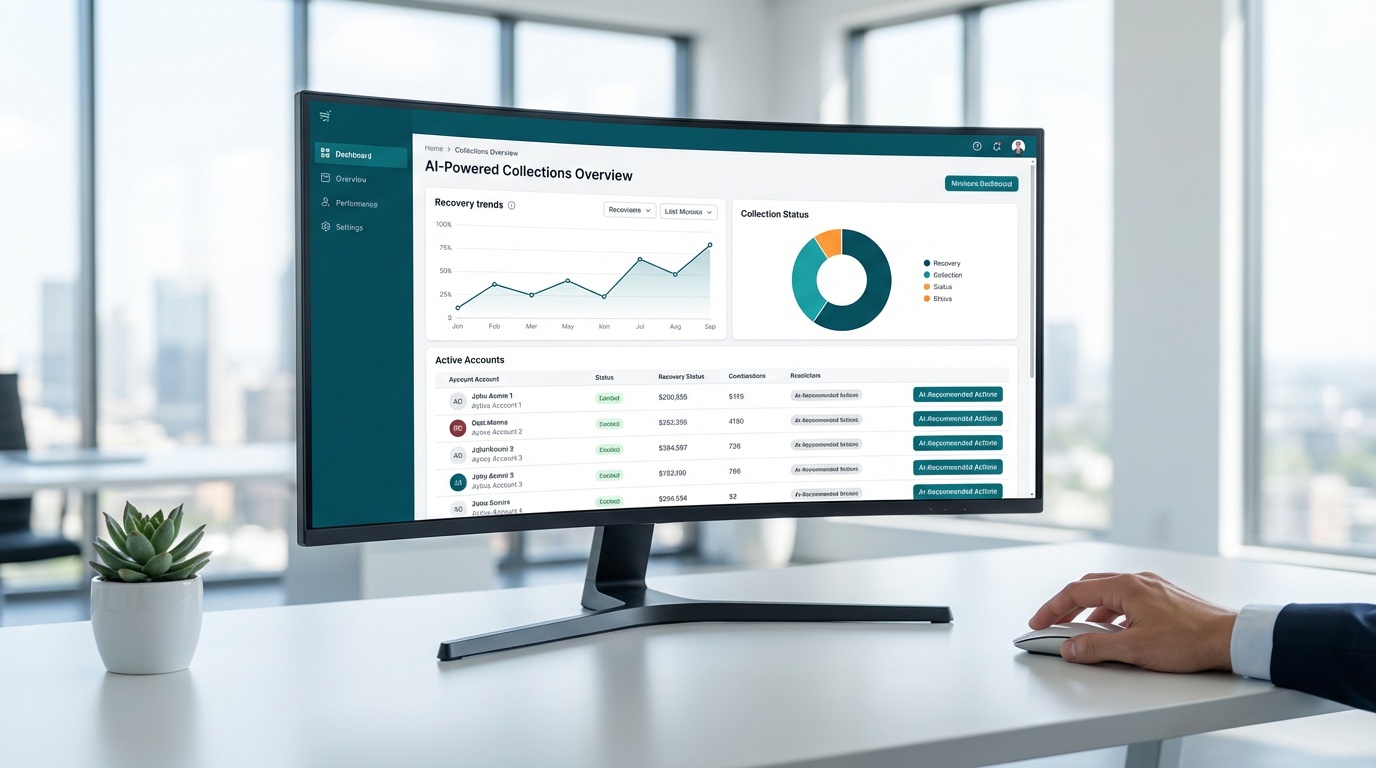
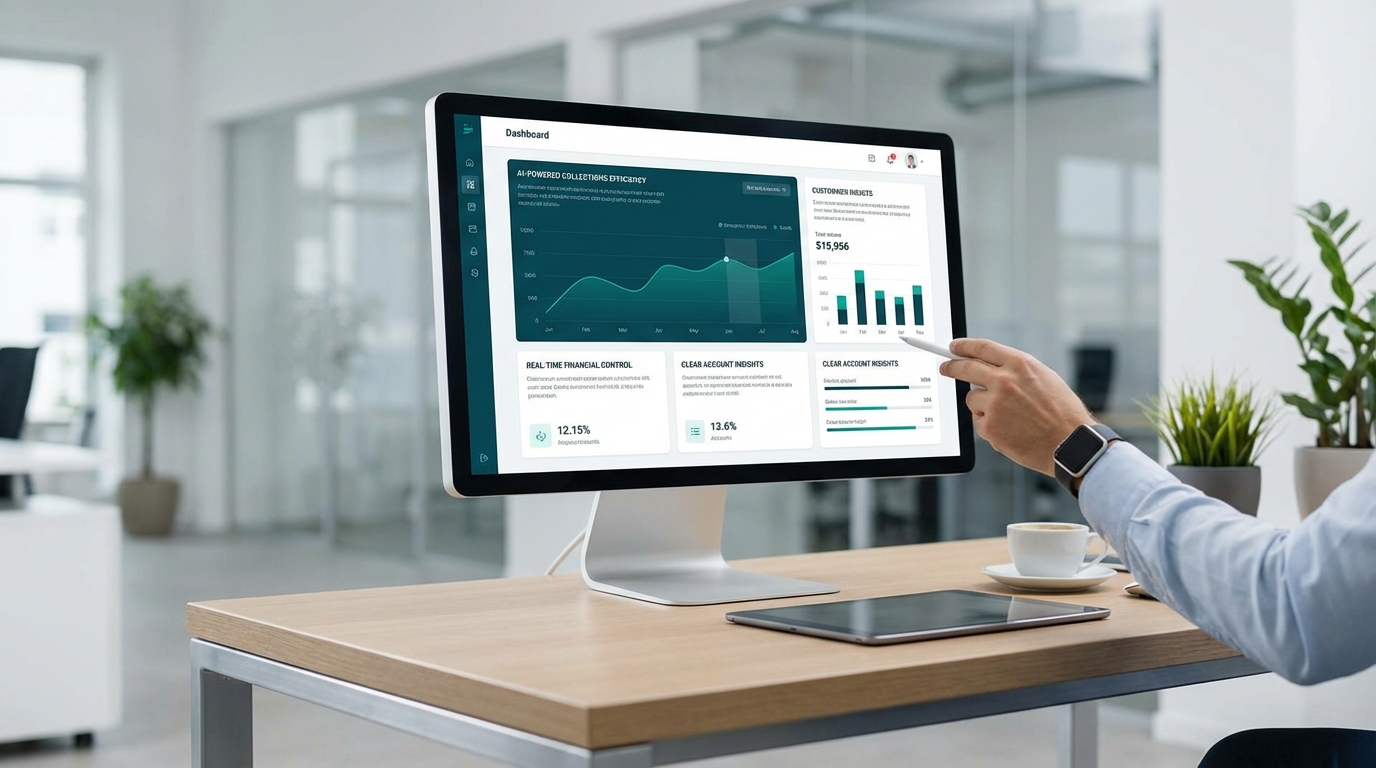
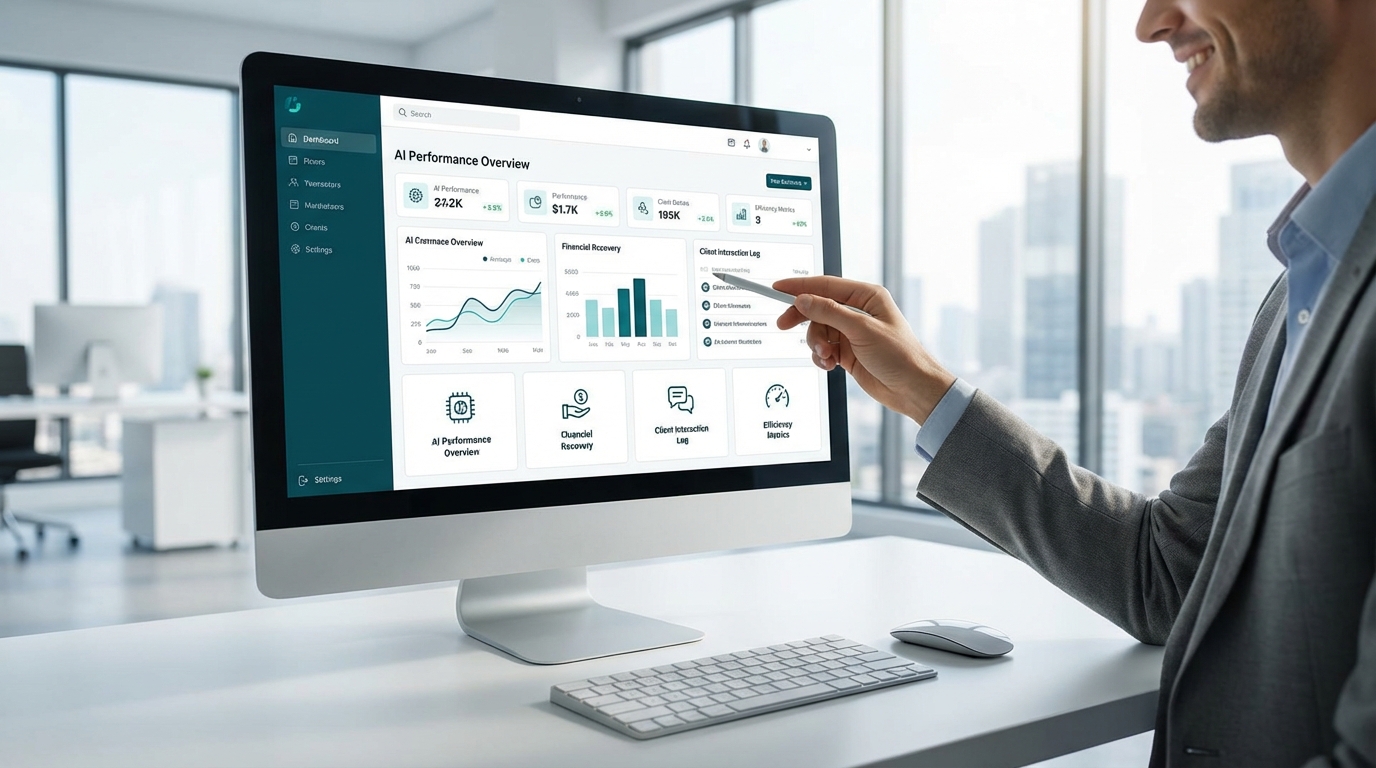
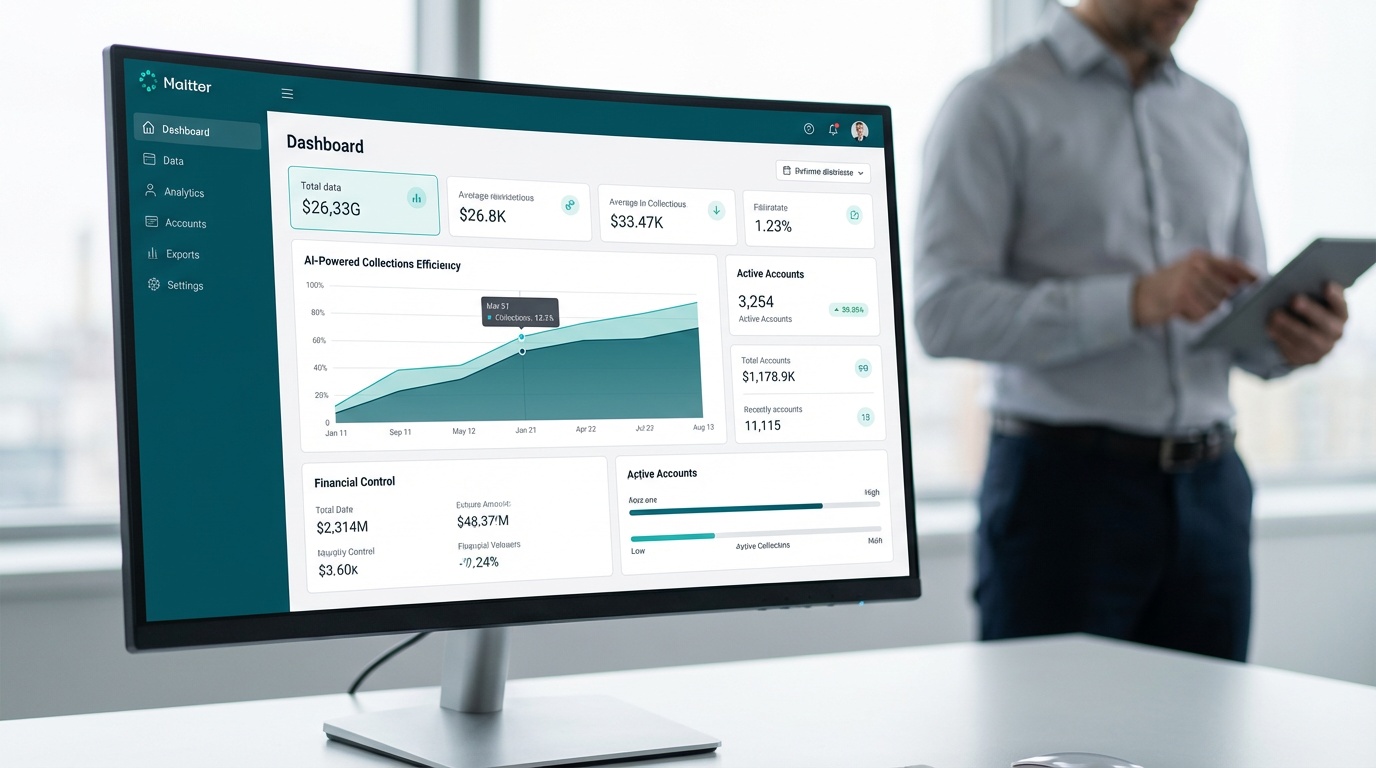
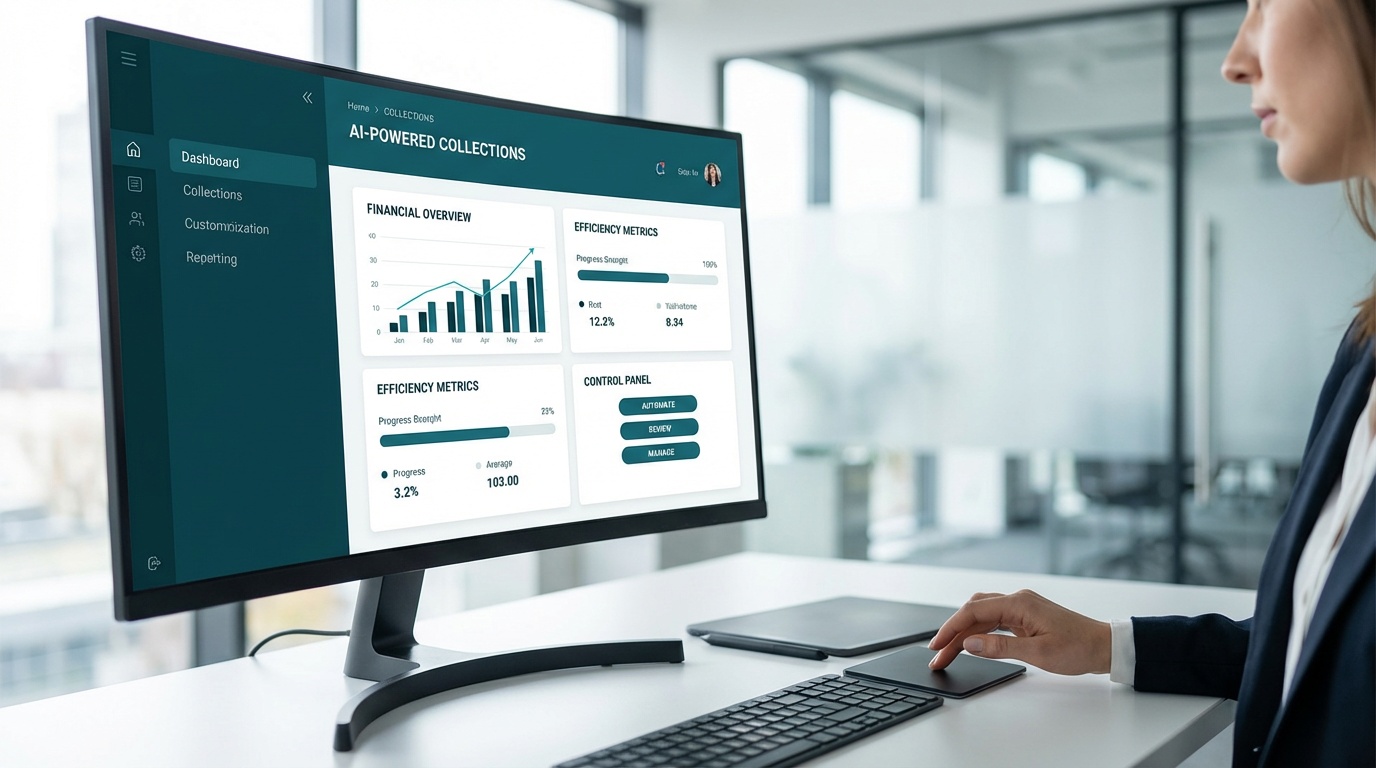
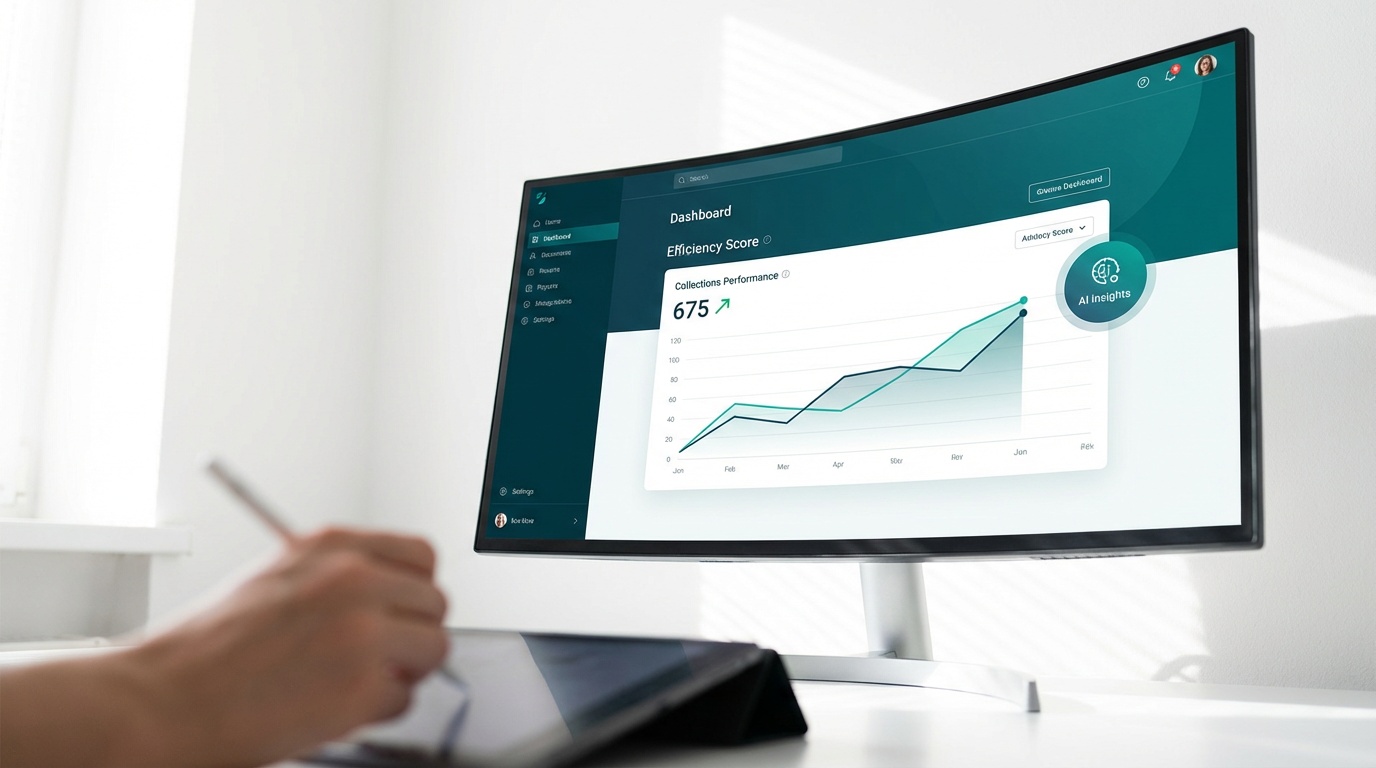
The real-time dashboard is where day-to-day operational value becomes visible. Every account's status, every outreach engagement, and every payment activity is surfaced in one view. No manual reporting. No spreadsheet exports. Your team can filter by segment, identify accounts receivable trends across timeframes, and spot patterns that inform smarter decisions -- all without leaving the platform.
Specifically, the dashboard lets you track open rates on outreach messages to see which sequences generate engagement. You can monitor payment portal activity to identify accounts that viewed payment options but haven't completed a transaction -- a signal worth acting on with a targeted follow-up. Account status filters let you separate accounts on active payment plans from those that need escalation, so your team's manual attention goes where it's actually needed.
The Dash Account Receivables Management tutorial isn't a one-time exercise. As account volume grows, revisit your outreach cadence and payment plan thresholds quarterly. Engagement patterns shift -- seasonally, economically, and by customer segment -- and the dashboard data gives you the facts to make timely adjustments. Businesses that treat their recovery workflow as a living system, not a static setup, consistently outperform those that configure once and walk away.
Key Takeaway: Completing the Dash Account Receivables Management tutorial gives your team a fully configured recovery workflow -- automated outreach, self-service payments, and real-time performance monitoring -- operating from one platform you control entirely.
To put this workflow into production for your team, schedule a personalized demo and see the platform configured for your specific industry and account volume. The setup is faster than most teams expect -- many report measurable results within the first week.
Frequently Asked Questions
What are the common principles of accounts receivable management?
While traditional accounts receivable management often discusses concepts like the '5 C's,' the Dash Account Receivables Management tutorial focuses on practical steps to automate your recovery workflow. It guides teams through setting up automated outreach, self-service payment options, and monitoring performance from a real-time dashboard. This helps streamline operations and improve cash flow.
Does the Dash tutorial address general accounts receivable rules like the '10 rule'?
The '10 rule' for accounts receivable is a general guideline some businesses use, but our Dash Account Receivables Management tutorial focuses on actionable steps for modern recovery. It shows you how to configure outreach cadences and payment plans that fit your customer base and recovery goals. The real-time dashboard then helps you monitor performance and make timely adjustments.
What are the key steps for managing accounts receivable with Dash?
The Dash Account Receivables Management tutorial outlines key steps for effective AR management using the platform. These include importing your accounts, configuring automated text and email outreach, setting up self-service payment options, and continuously monitoring recovery performance through a real-time dashboard. This workflow helps automate follow-ups and track progress.
Does the Dash tutorial cover different types of receivable financing?
While receivable financing involves different strategies to access cash, the Dash Account Receivables Management tutorial focuses on optimizing your in-house recovery process. It equips your team to automate overdue account outreach and offer self-service payment solutions. This helps improve your cash flow directly by recovering payments faster.
What Key Performance Indicators (KPIs) for accounts receivable can I track with Dash?
Key Performance Indicators (KPIs) for accounts receivable help measure the effectiveness of your recovery efforts. The Dash Account Receivables Management tutorial shows you how to monitor these, including open rates, payment activity, and account status, all from a single real-time dashboard. This visibility helps your team act on facts to improve recovery outcomes.
How do I begin using the Dash Account Receivables Management tutorial?
Getting started with the Dash Account Receivables Management tutorial involves making a few key decisions: prioritizing which accounts to focus on, choosing an outreach cadence for your customers, and configuring payment plans that align with your recovery goals. Dash guides you through these choices with an intuitive setup flow. You can also request a personalized demo.