.png)
self-service payment portals vs traditional invoicing
Overdue invoices drain cash reserves and consume staff time. When customers face multiple steps to pay--checking email, finding account numbers, calling during business hours--payment delays compound. Self-service payment portals cut through that friction. Businesses using portals report 30-40% reductions in days sales outstanding (DSO), while traditional invoicing remains trapped in manual follow-ups and delivery delays.
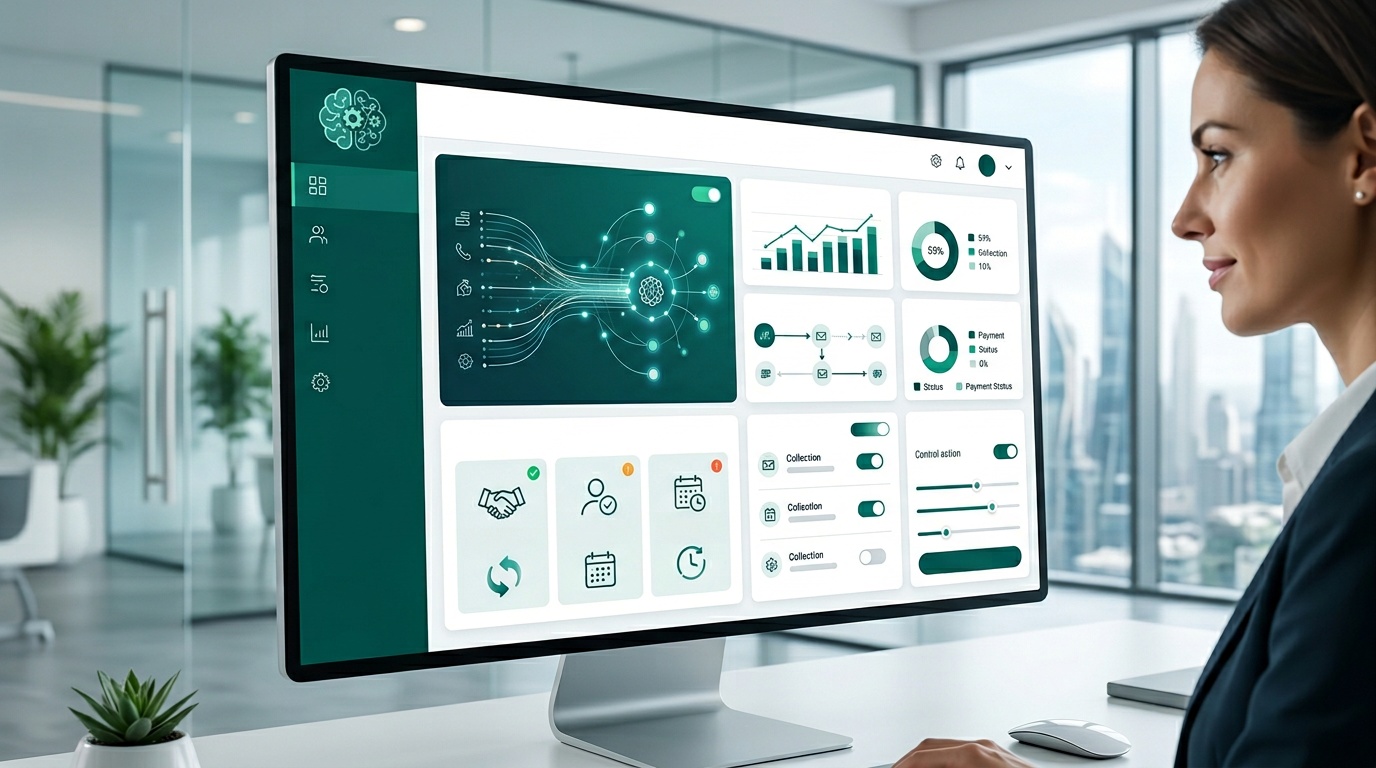
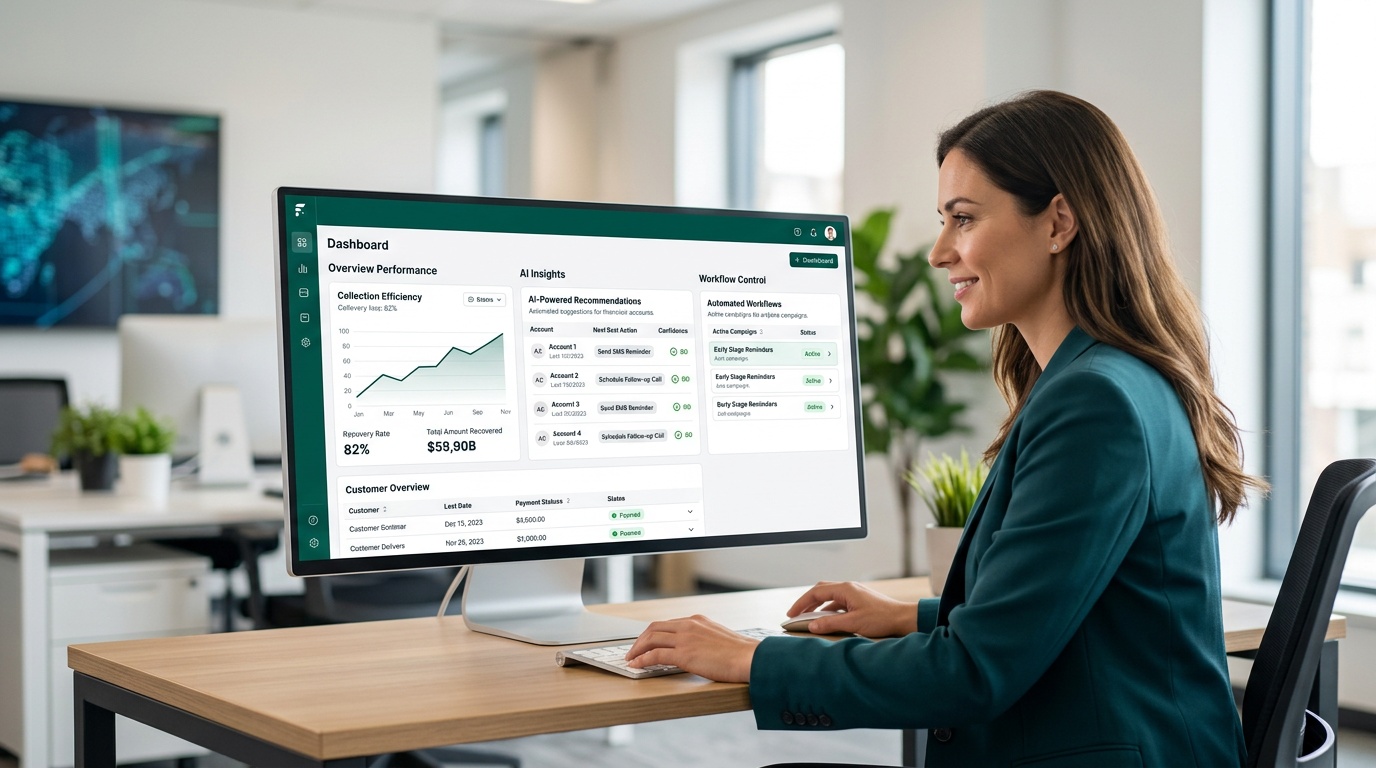
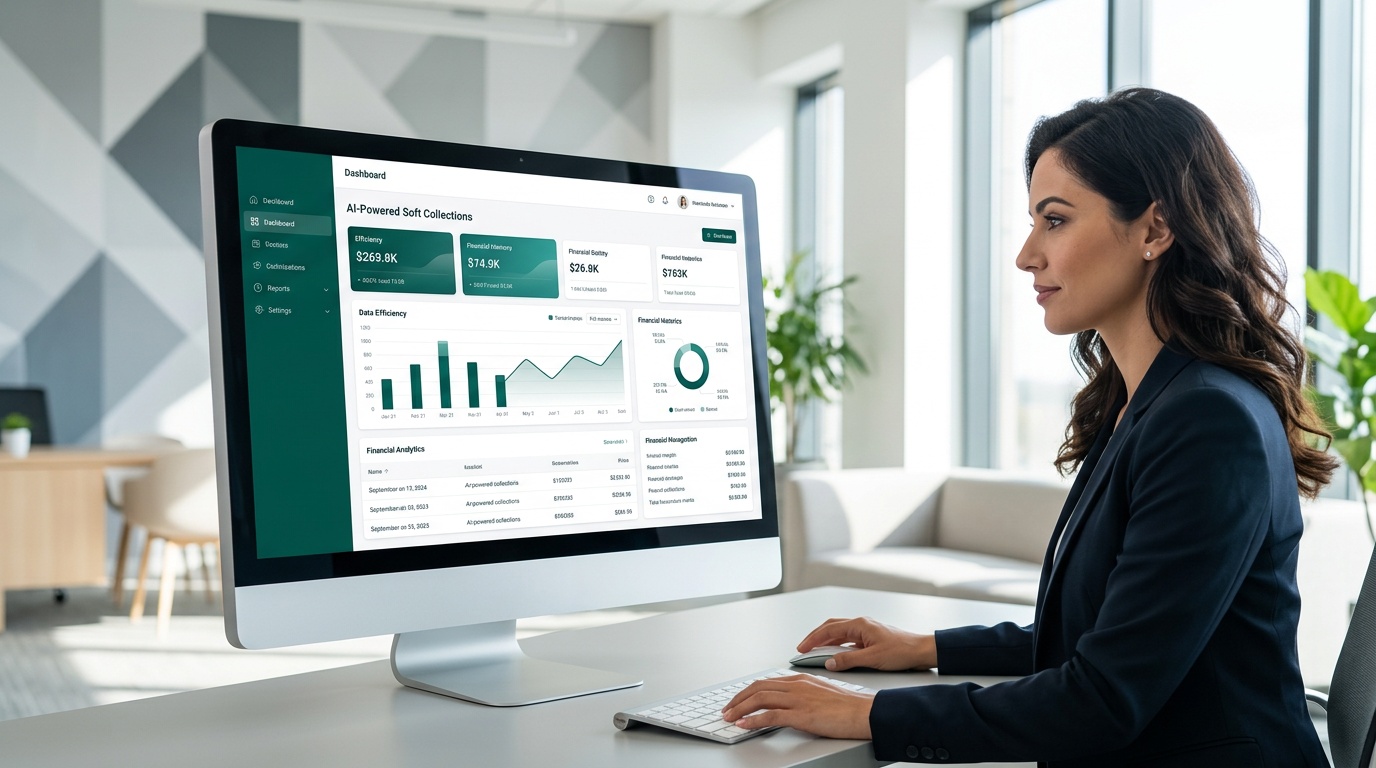
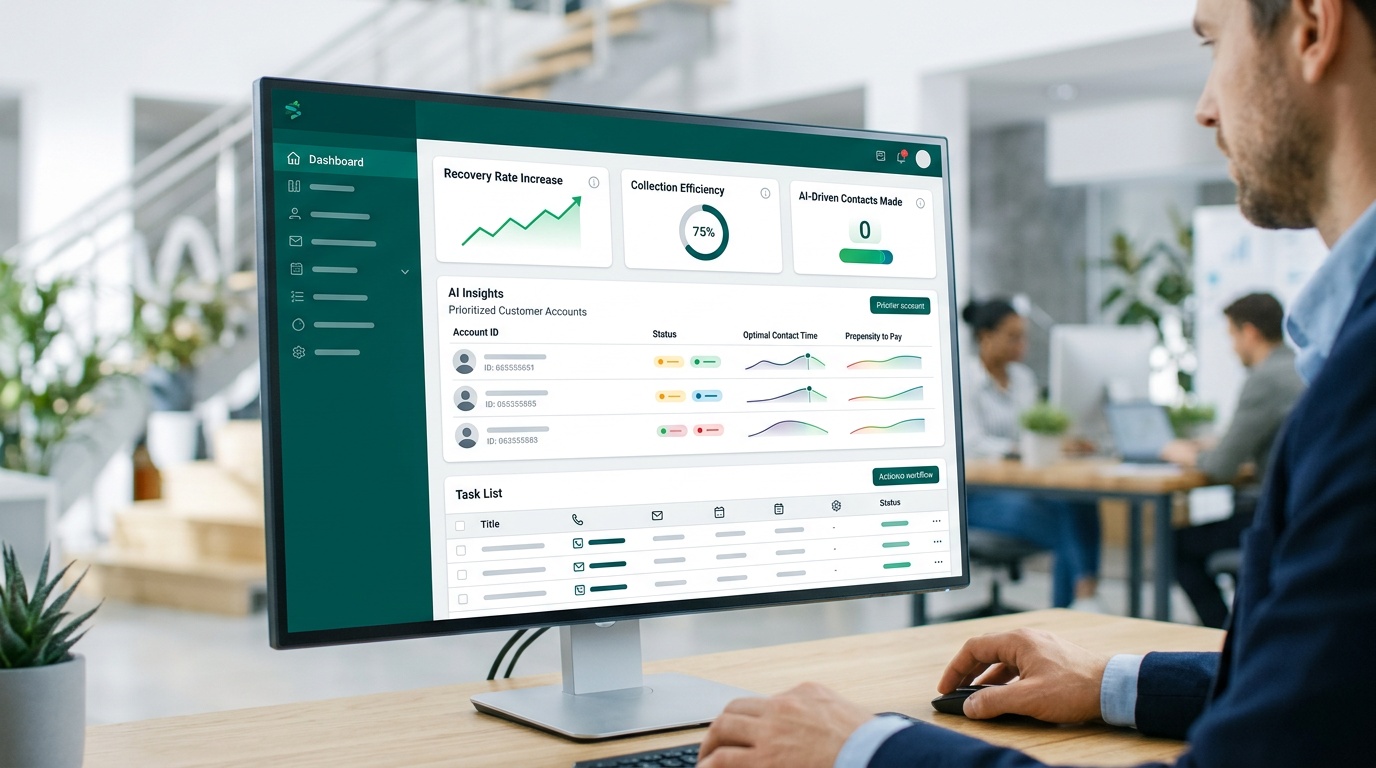
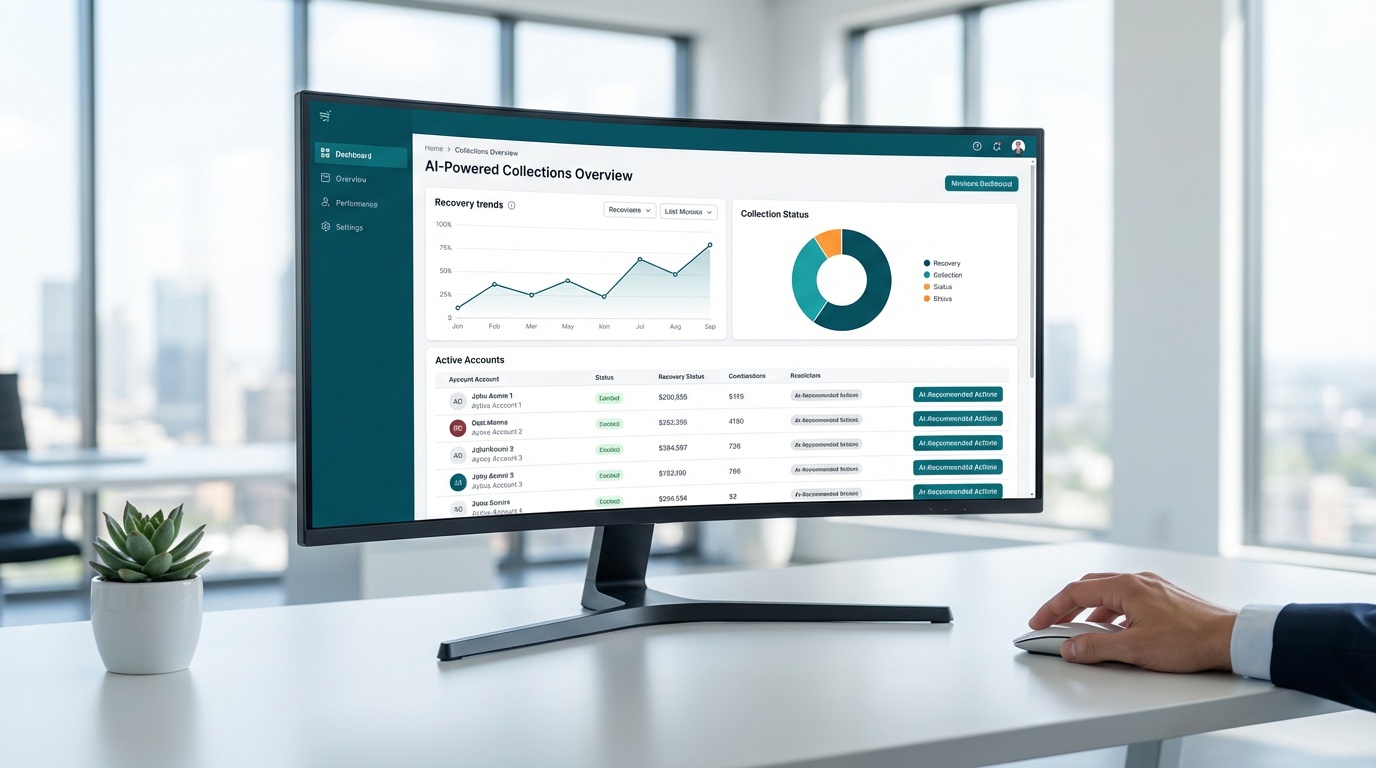
Dash transforms receivables management with AI-driven automation, secure self-service tools, and built-in compliance guardrails for industries like healthcare, property management, and financial services. The platform speeds recovery through flexible payment options, automated reminders, and real-time tracking--without sacrificing customer relationships.
This guide breaks down speed, cost, accuracy, and operational fit between self-service payment portals and traditional invoicing methods. You'll see exactly where each approach wins, where it fails, and how to transition without disrupting current workflows.
Key Takeaways
- Portals reduce DSO by 30-40% through 24/7 payment access and automated reminders
- Built-in FDCPA, TCPA, HIPAA, and PCI DSS controls minimize compliance risk
- Real-time dashboards replace spreadsheet tracking and manual status checks
- Dash delivers results within the first week of deployment
Table of Contents
- What Are Self-Service Payment Portals?
- Self-Service Payment Portals vs Traditional Invoicing: Key Differences
- Feature Comparison: Portals vs Traditional Invoicing
- Pros and Cons: Self-Service Portals vs Traditional Invoicing
- Cash Flow Impact Across Industries
- Implementation Strategy: Moving from Invoices to Portals
What Are Self-Service Payment Portals?
Self-service payment portals are cloud-based platforms where customers view balances, select payment methods, and complete transactions without contacting staff. The customer logs in, sees the amount due, and pays immediately--no phone calls, no mailed checks, no waiting for business hours.
Traditional invoicing works differently. Staff create invoices manually or through batch exports, send them via email or postal mail, then wait. When due dates pass, someone must identify delinquent accounts, draft follow-up messages, place reminder calls, and log each interaction. Customers who want to pay outside business hours can't--they're stuck until Monday morning or until someone answers the phone.
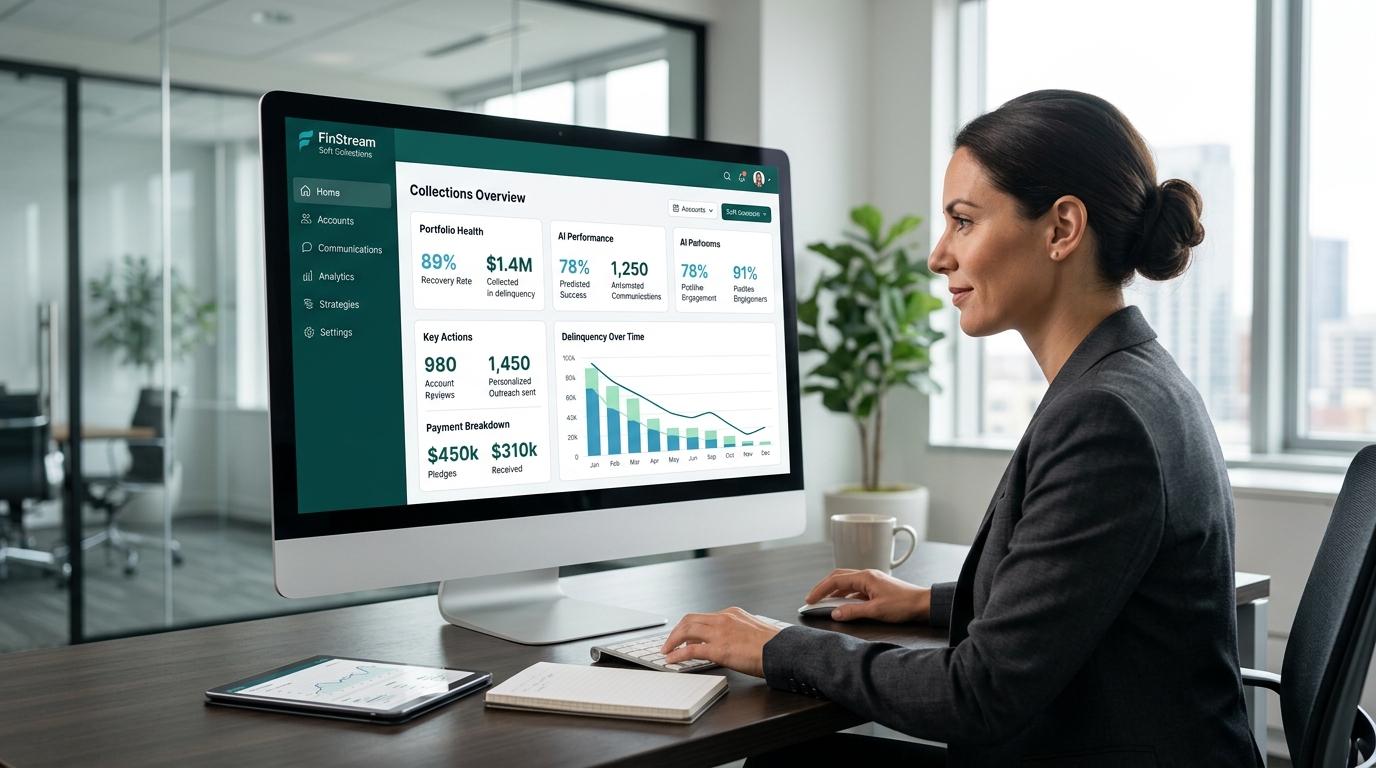
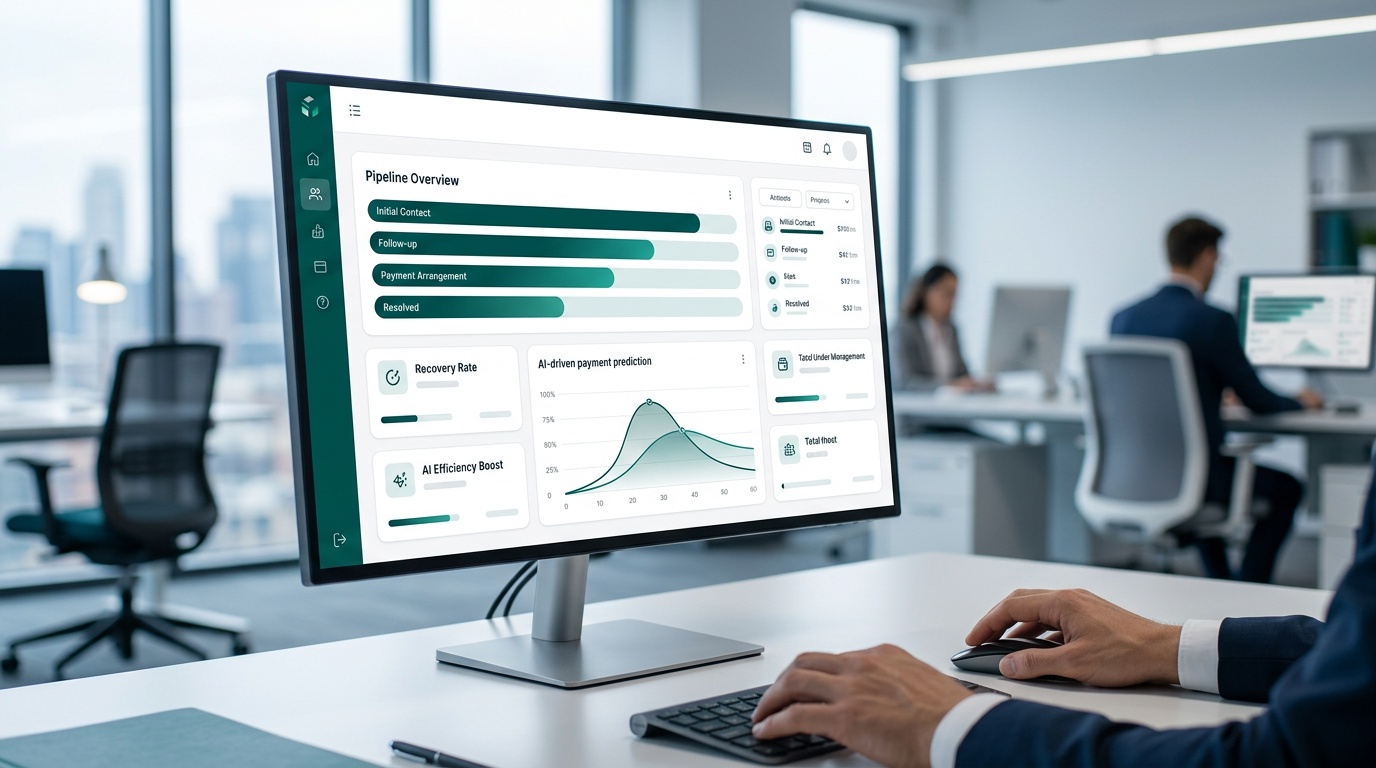
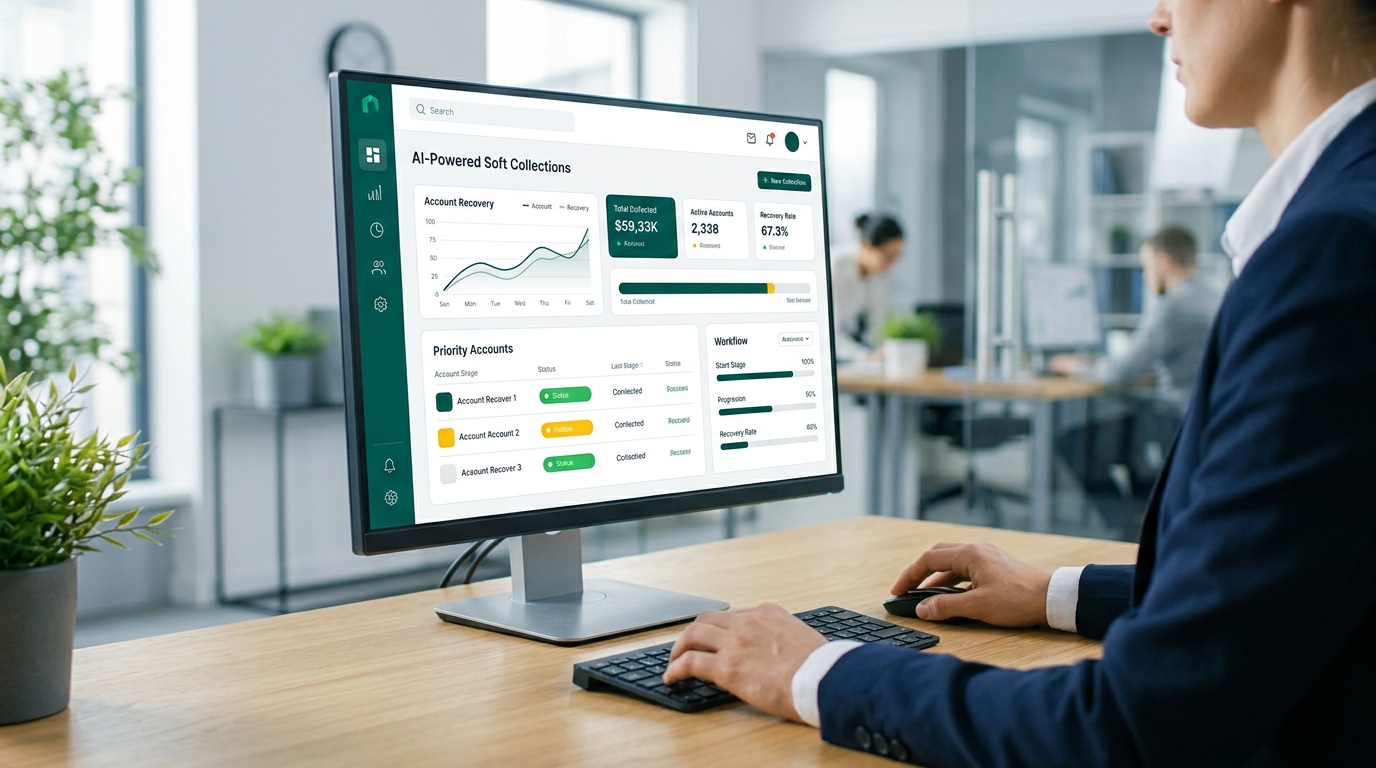
Dash combines portal access with automated outreach. The platform sends text and email reminders based on account status, generates secure payment links, and logs every interaction in real time. Your AR team stops chasing down status updates in email threads or checking whether someone followed up last week.
Here's what changes when you move from invoices to portals:
- Customers control timing. They pay when it fits their schedule, not yours.
- Staff stop playing phone tag. Automated reminders replace manual outreach.
- Payment options expand. Card, ACH, and scheduled payments replace single-method limitations.
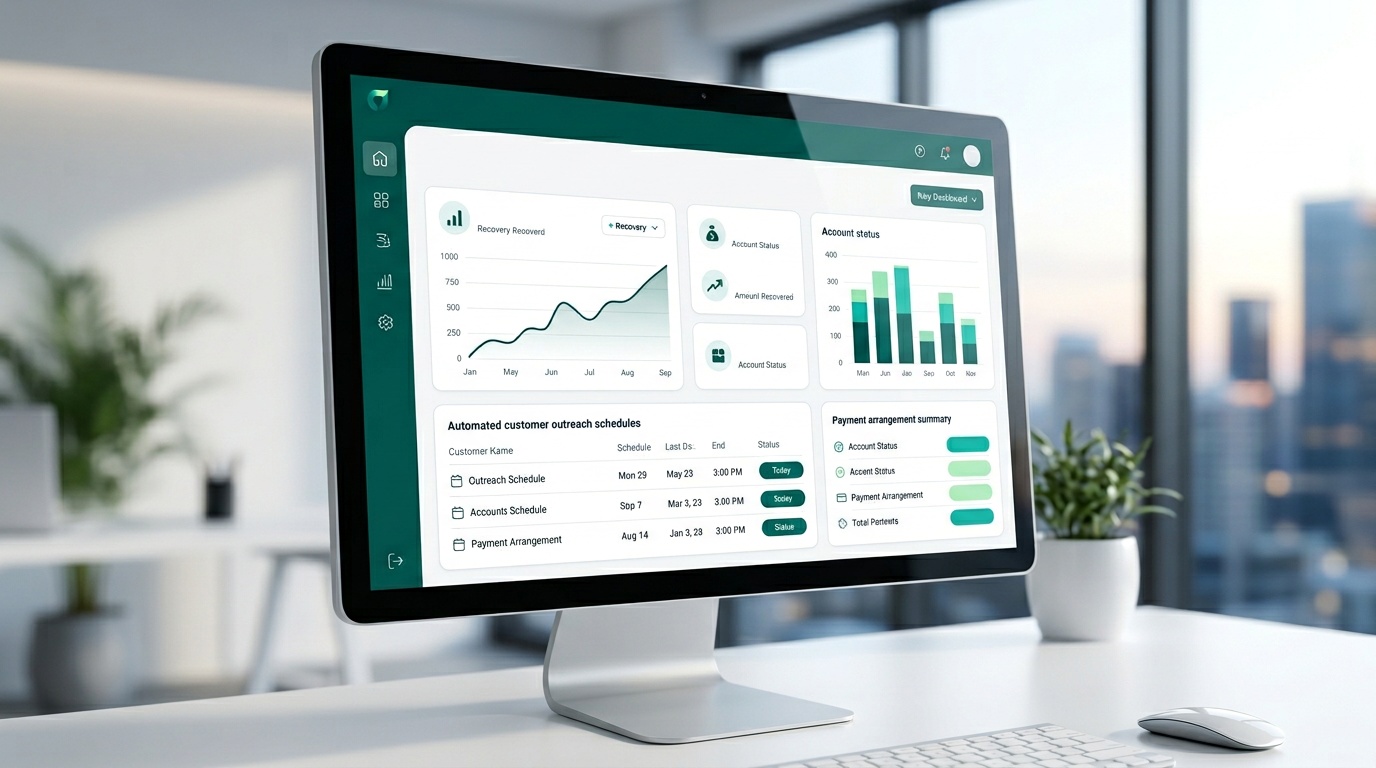
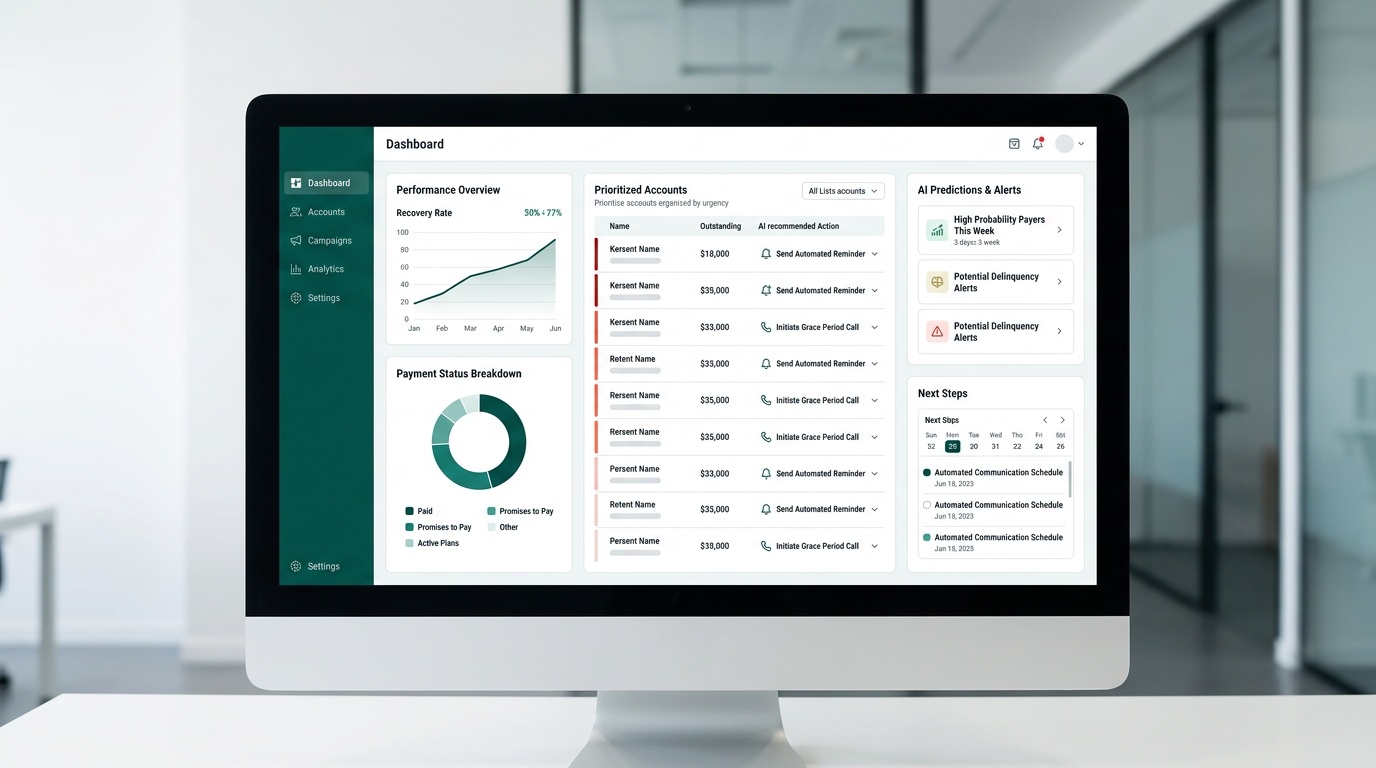
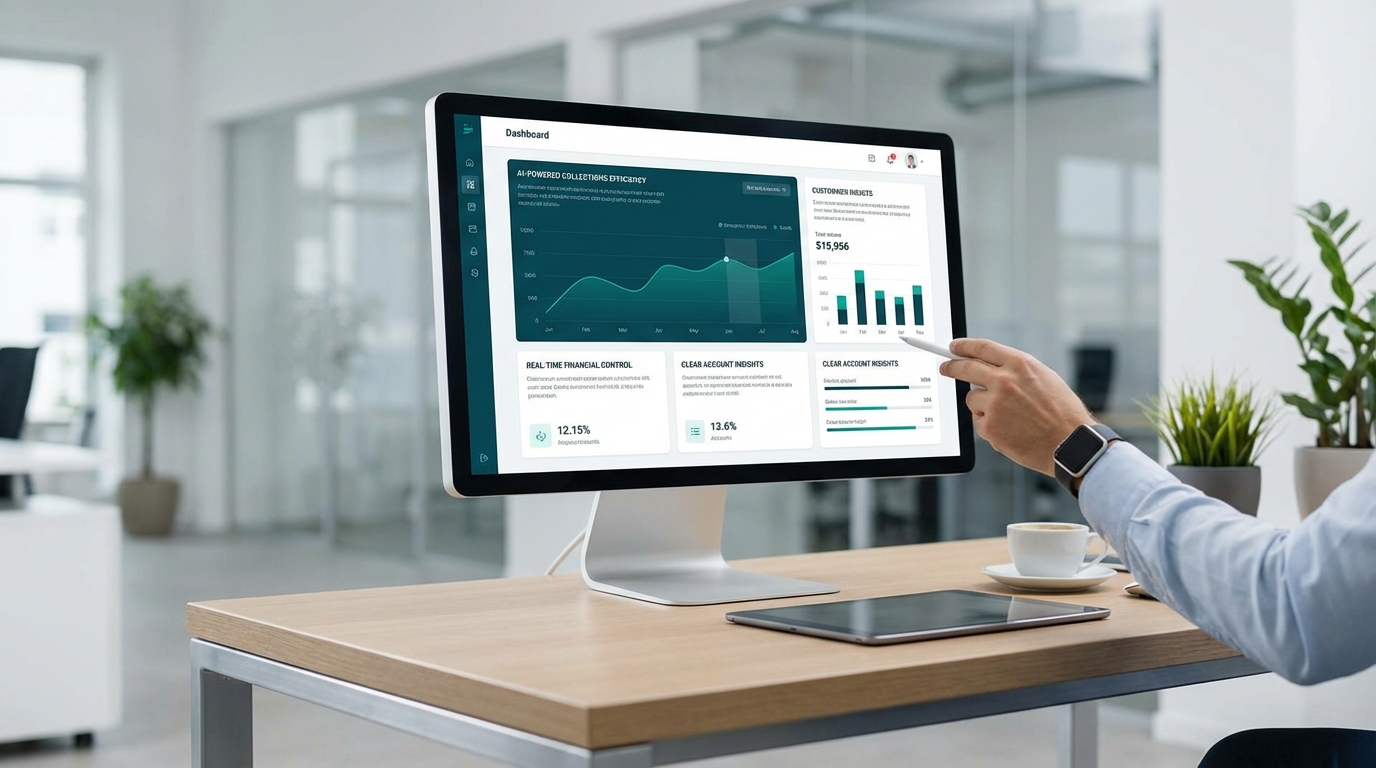
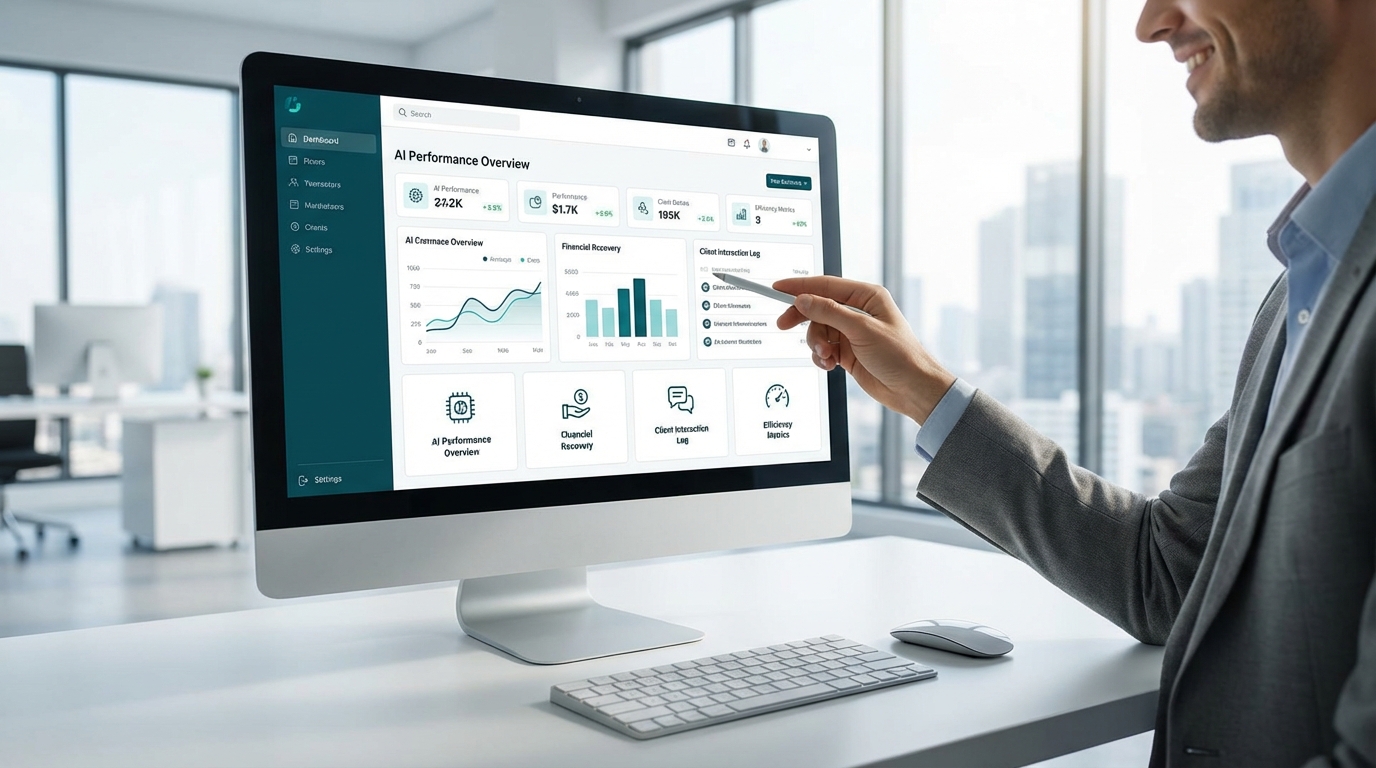
- Tracking becomes automatic. Real-time dashboards replace spreadsheet archaeology.
Portals don't just digitize invoicing--they eliminate the bottlenecks that make traditional invoicing slow and expensive.
Self-Service Payment Portals vs Traditional Invoicing: Key Differences
The gap between portals and traditional invoicing shows up in four areas: speed, visibility, customer experience, and risk management.
Speed: 24/7 vs Business Hours
Portals accept payments around the clock. A customer receives a reminder at 9 PM, clicks the payment link, and settles their balance before bed. Traditional invoicing requires customers to wait until office hours, find account details, and navigate payment options during a phone call or through mailed checks that take days to clear.
The difference in DSO is measurable. Businesses using portals consistently report 30-40% reductions in collection cycles compared to manual invoicing workflows.
Visibility: Centralized Data vs Scattered Records
Portals centralize every data point--balance status, payment history, communication logs, and receipt confirmations--in one dashboard. Traditional invoicing spreads information across email threads, accounting software notes, phone call logs, and paper files. When a customer disputes a balance or asks about a payment date, staff waste time reconstructing history from multiple sources.
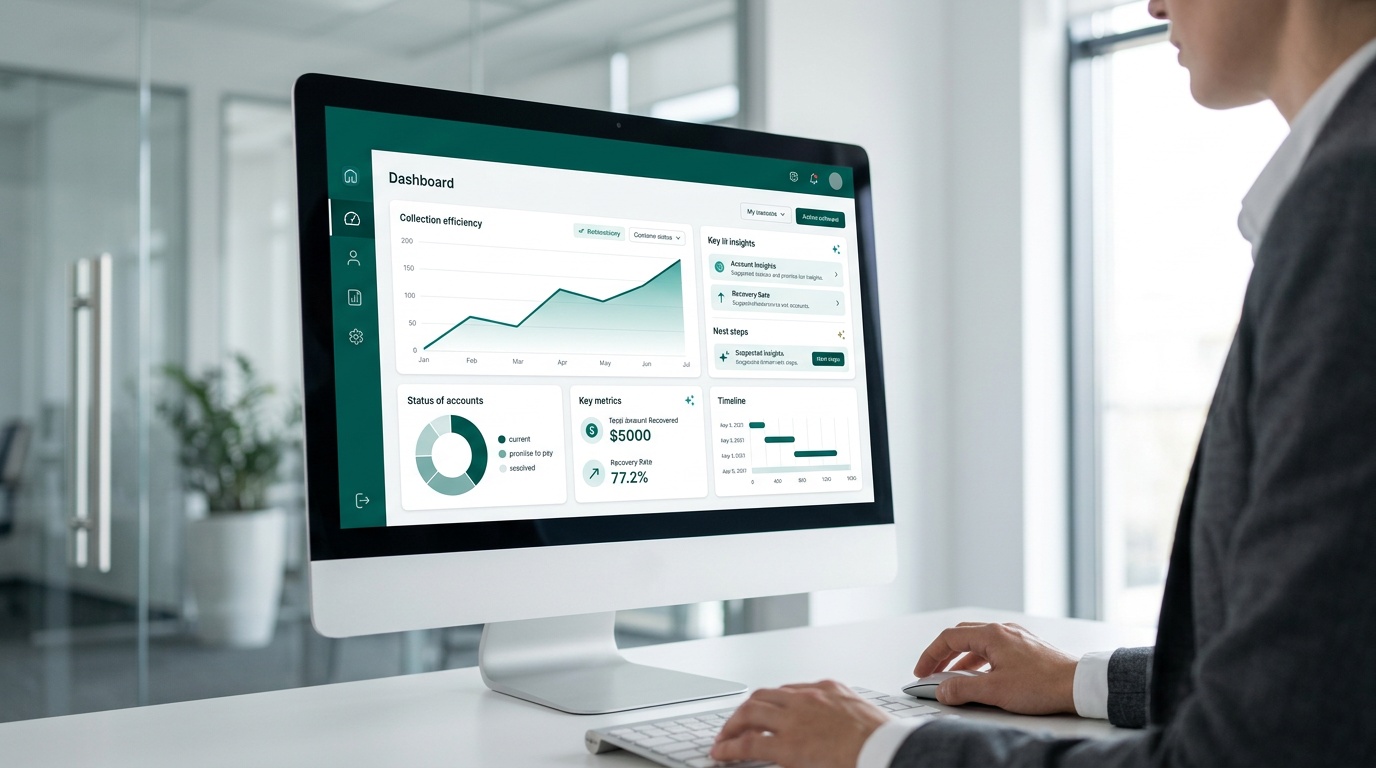
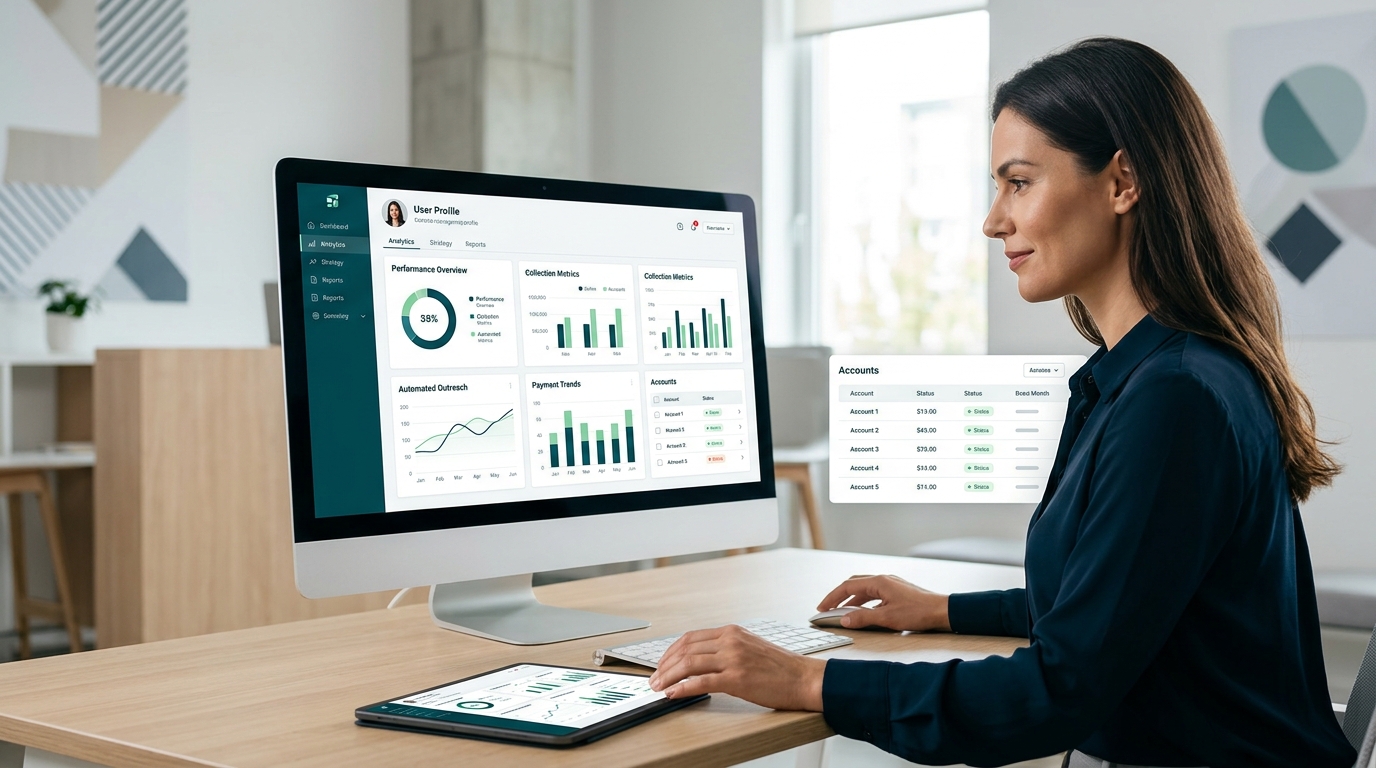
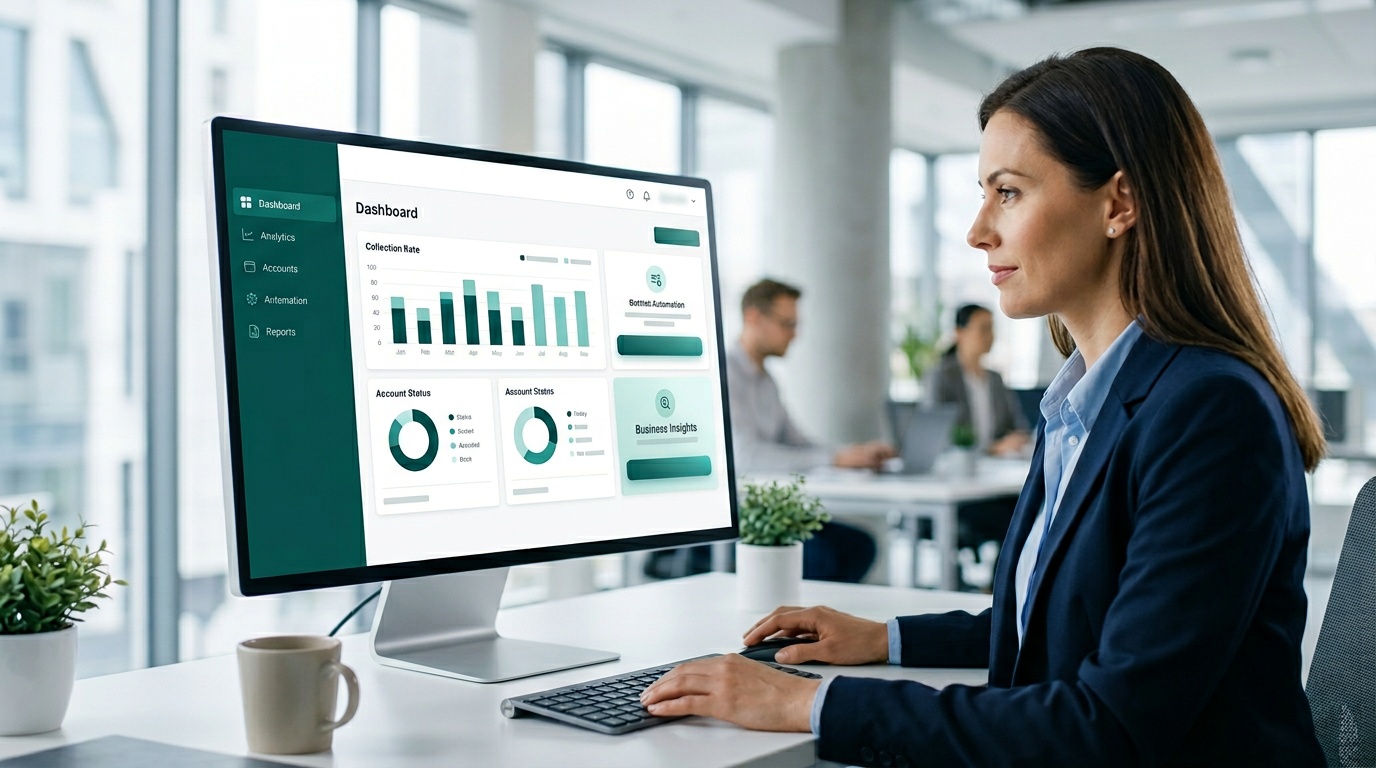
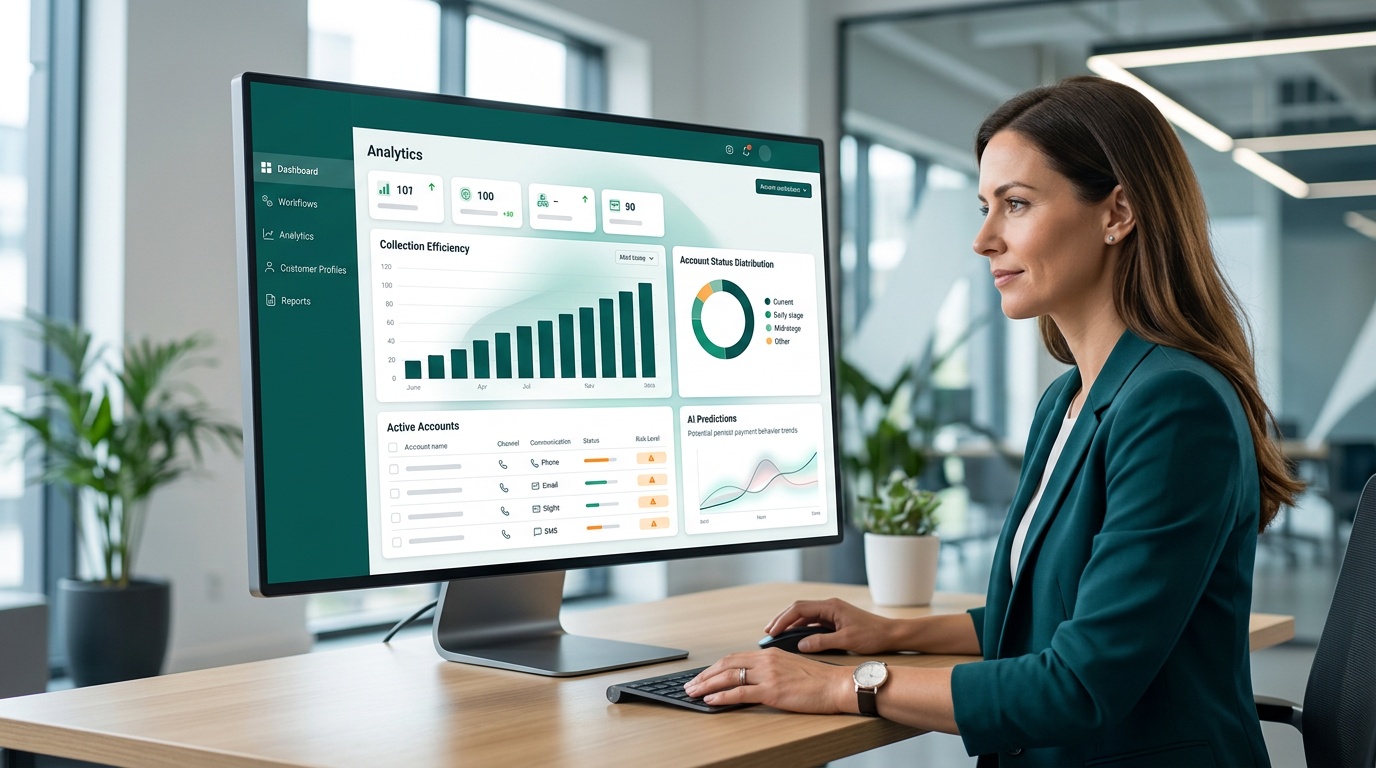
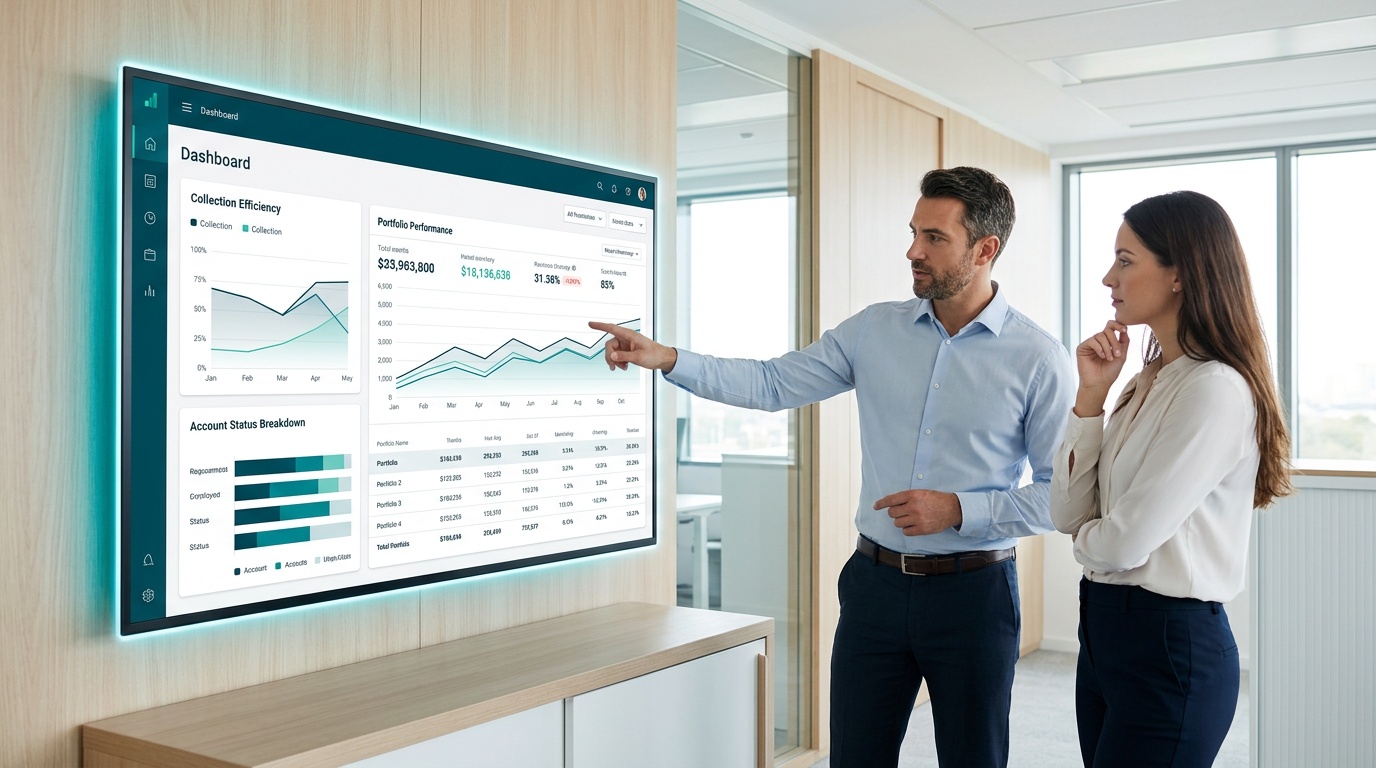
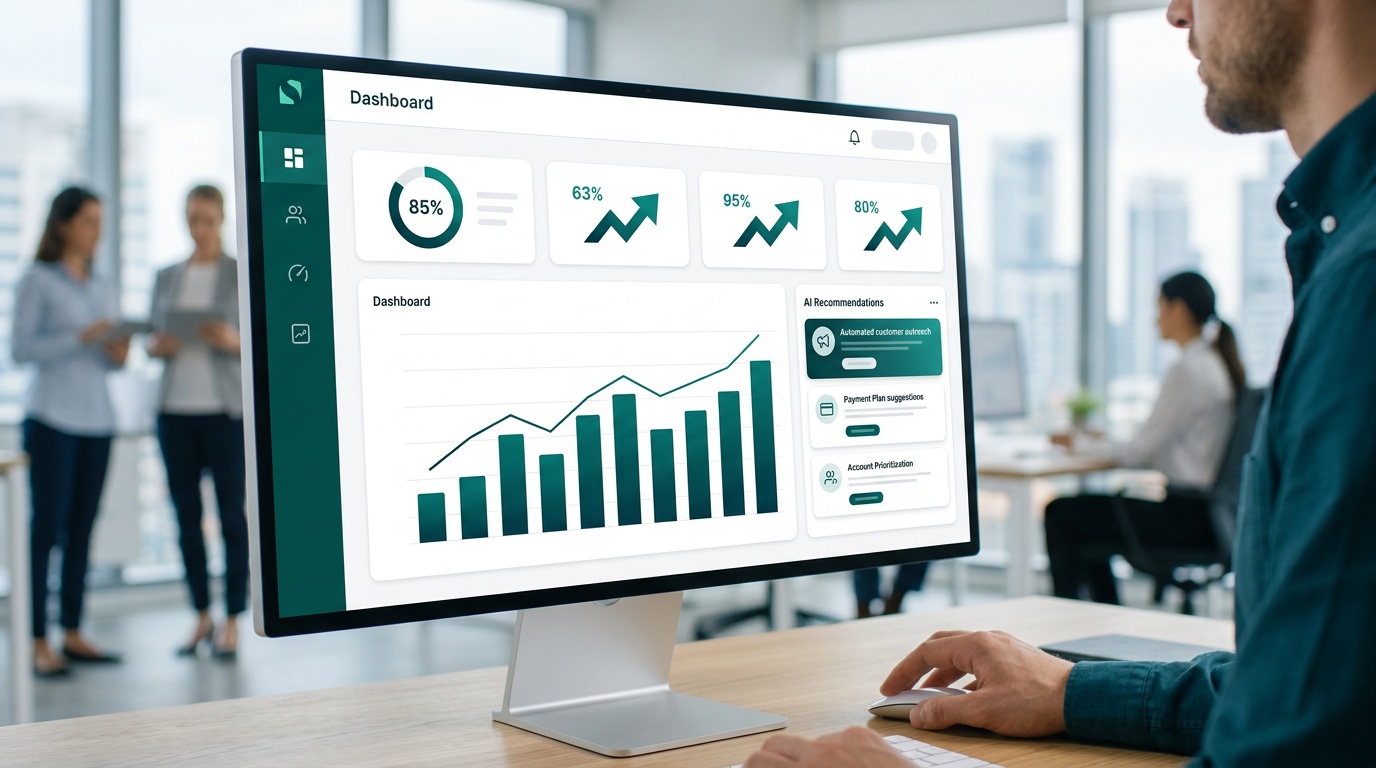
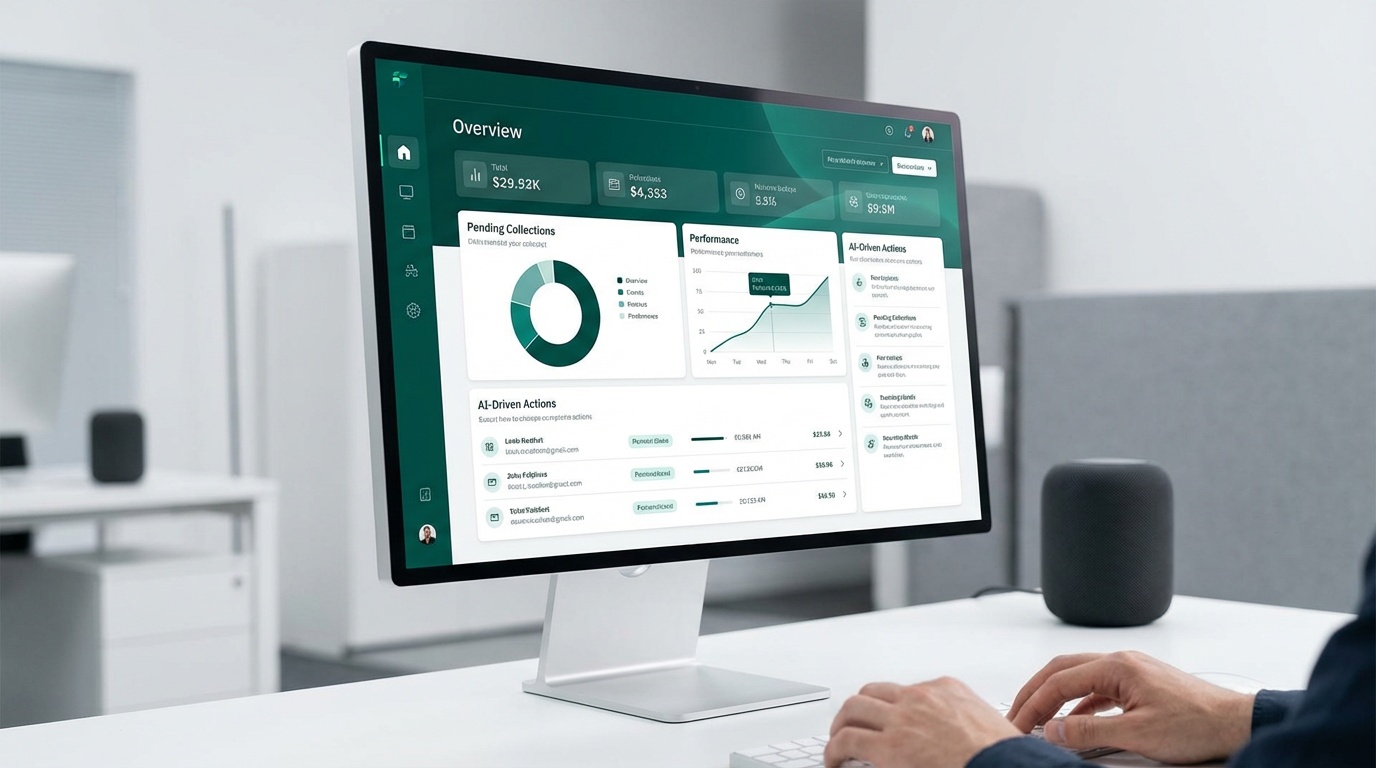
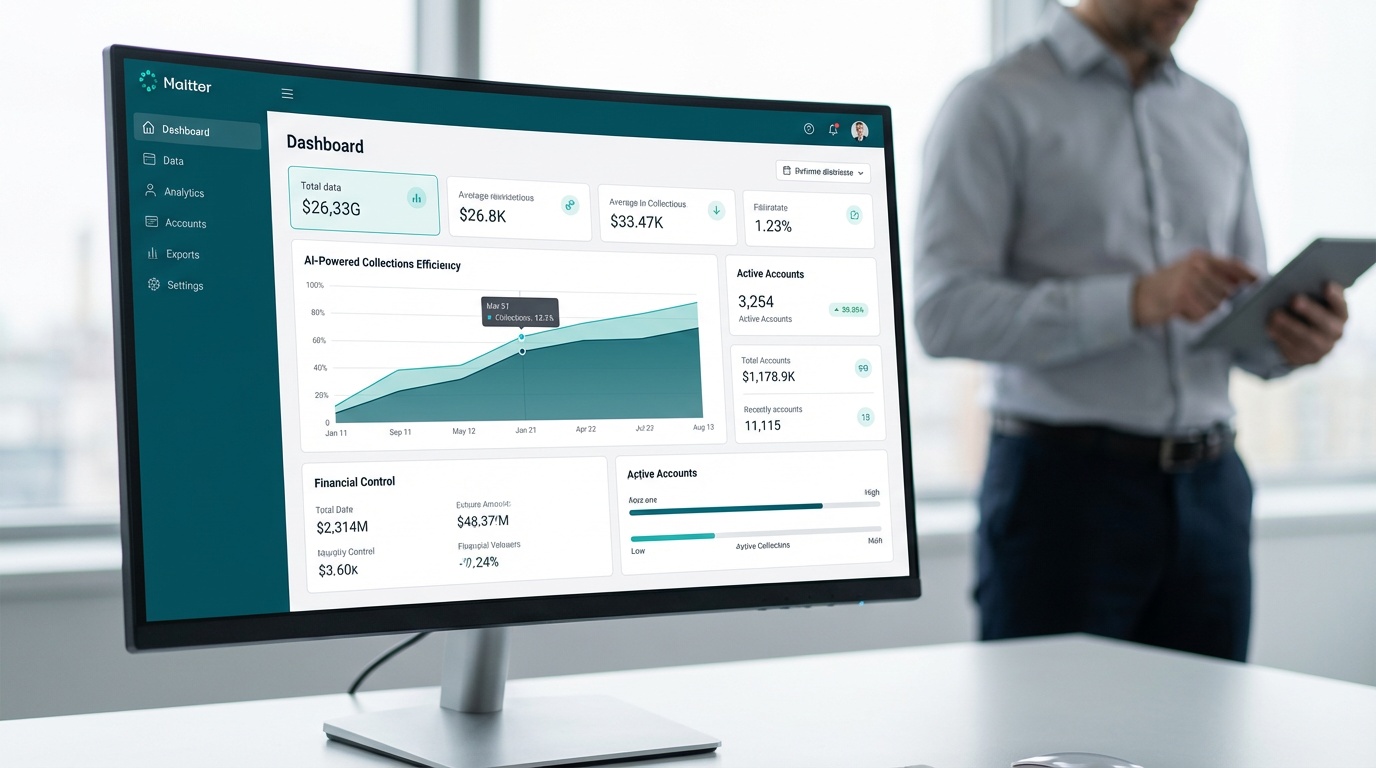
Dash's real-time dashboard shows exactly where each account stands. No guessing. No digging through old emails.
Customer Experience: Self-Service vs Staff Dependency
Portals give customers clear options: pay now, schedule a payment, or set up a payment plan. They see their balance, choose their method, and receive instant confirmation. Traditional invoicing forces customers through narrower channels--calling during business hours, mailing checks, or waiting for staff to return their email about payment options.
When customers control the process, they're more likely to complete it. Friction drives abandonment.
Risk Management: Automated Controls vs Manual Compliance
Portals standardize consent tracking, message frequency limits, and secure payment handling. Traditional invoicing leaves compliance to staff judgment--who remembers to log opt-outs, who knows when the last reminder was sent, who verifies payment security protocols before processing card information over the phone.
Manual processes scale poorly and create audit gaps. Automated controls don't.
Feature Comparison: Portals vs Traditional Invoicing
| Feature | Self-Service Payment Portals | Traditional Invoicing |
|---|---|---|
| Payment Availability | 24/7 access from any device | Limited to business hours and staff availability |
| Payment Methods | Card, ACH, scheduled payments, payment plans | Check, phone payments, limited online options |
| Customer Effort | Single click from reminder to payment completion | Multiple steps: locate invoice, find payment method, contact business |
| Staff Workload | Automated reminders and tracking; staff handle exceptions only | Manual invoice creation, follow-ups, phone calls, payment processing |
| Visibility & Reporting | Real-time dashboard with balance status and payment history | Scattered data across email, spreadsheets, and accounting software |
| Compliance Tracking | Automated consent logs, message frequency controls, audit trails | Manual documentation subject to human error and gaps |
| Payment Confirmation | Instant digital receipt and balance update | Delayed confirmation pending check clearing or manual entry |
| Typical DSO Impact | 30-40% reduction in collection cycles | Extended DSO due to delivery delays and manual follow-ups |
| Security Standards | PCI DSS compliance built into payment processing | Depends on individual staff handling and documentation practices |
| Scalability | Handles unlimited accounts without additional headcount | Requires proportional staff increase as account volume grows |
Pros and Cons: Self-Service Portals vs Traditional Invoicing
Self-Service Payment Portals
✅ Pros
- Customers pay instantly from any device without waiting for business hours
- Automated reminders replace manual outreach, freeing staff for high-value work
- Real-time dashboards eliminate spreadsheet tracking and status guesswork
- Built-in compliance controls for FDCPA, TCPA, HIPAA, and PCI DSS reduce audit risk
- Payment options expand to include cards, ACH, scheduled payments, and flexible plans
- Scales without proportional headcount increases as account volume grows
❌ Cons
- Requires upfront integration with existing accounting systems and workflows
- Initial setup involves data migration, staff training, and process documentation
- Some customers (particularly older demographics) may resist digital payment methods
- Monthly platform fees replace per-transaction costs of traditional payment processing
Traditional Invoicing
✅ Pros
- Familiar process requiring no technology adoption or staff retraining
- Works for customers without internet access or digital literacy
- No integration requirements with new platforms or software systems
- Pay-as-you-go cost structure with no monthly platform fees
❌ Cons
- Manual invoice creation and delivery slow down the entire collection cycle
- Staff spend significant time on repetitive follow-ups, phone calls, and status checks
- Compliance tracking depends on individual staff judgment and manual documentation
- Payment options limited to business hours and narrow channel availability
- Extended DSO increases working capital requirements and strains cash flow
- Scattered data across multiple systems creates reporting gaps and audit challenges
Cash Flow Impact Across Industries
Industries with recurring bills, high invoice volume, or time-sensitive services see the clearest cash flow improvements from portal adoption. Healthcare providers, property managers, legal firms, storage facilities, solar installers, and trucking companies all share a common challenge: customers who delay payment aren't refusing to pay--they're stuck in slow payment processes.
When a dental practice sends monthly statements by mail, patients must remember to write checks, find stamps, and mail payments. That's three opportunities for delay. A portal sends a text reminder with a payment link. One click settles the balance. The practice receives funds in days, not weeks.
Property management companies managing hundreds of units face similar friction at scale. Traditional invoicing means hundreds of manual rent reminders, phone calls about late fees, and trips to the bank to deposit checks. Dash's self-service payment portal handles reminders automatically, accepts payments 24/7, and deposits funds directly. Staff focus on maintenance requests and tenant relations instead of payment tracking.
Legal firms billing for hourly work or retainer replenishment benefit from immediate payment access. When an invoice goes out and the client pays the same day through a portal link, the firm's cash position improves instantly. Traditional invoicing adds 15-30 days to receivables cycles through mailing delays, payment processing, and deposit timing.
The cash flow advantage compounds over time. A 30% reduction in DSO doesn't just mean faster payment--it means lower working capital requirements, reduced borrowing costs, and more predictable revenue forecasting. For more context on electronic billing evolution, see Electronic billing.
Implementation Strategy: Moving from Invoices to Portals
Transitioning from traditional invoicing to portals involves three predictable challenges: system integration, data migration, and staff adoption. Address each systematically and the rollout stays smooth.
Integration with Accounting Systems
Dash connects with major accounting platforms through APIs, reducing manual data entry and synchronization errors. The platform pulls account balances, posts payments automatically, and updates customer records in real time. This eliminates the double-entry problem where staff update both the portal and accounting software separately.
If your accounting system lacks API access, CSV import/export provides a backup option. It's not as clean as real-time sync, but it works.
Data Migration Without Disruption
Don't migrate everything at once. Run traditional invoicing and portal payments in parallel for 30-60 days. Start with a small cohort--perhaps 10% of accounts--and expand as you confirm data accuracy and process reliability. This approach catches configuration errors before they affect your entire customer base.
Keep legacy invoicing active during the transition window. Customers already paying by check or phone can continue while you onboard portal users gradually. Once portal adoption reaches 70-80%, legacy systems become backup channels rather than primary workflows. For additional guidance on electronic invoicing standards, see Electronic invoice.
Staff Training and Process Documentation
Your AR team doesn't need to become software engineers, but they do need to understand how the portal handles common scenarios: partial payments, payment plan modifications, refund requests, and disputed balances. Dash provides guided onboarding with live support, not just documentation PDFs.
Document your new workflows clearly. What happens when a customer requests a payment extension? Who approves refunds? How do you handle accounts that need manual intervention? Standardized processes prevent confusion and ensure consistent customer treatment.
Compliance and Security from Day One
Dash includes compliance controls for TCPA- and FDCPA-aligned communication practices, HIPAA-aligned handling of sensitive healthcare data, and PCI DSS-aligned payment security. These aren't add-ons you configure later--they're built into the platform's core functionality.
If your business requires SOC 2 Type 2 audit reports or BBB accreditation verification, request current documentation during procurement. Don't assume compliance--confirm it. For additional context on electronic invoicing requirements, see the IRS electronic invoicing guidelines.
Monitoring Performance After Launch
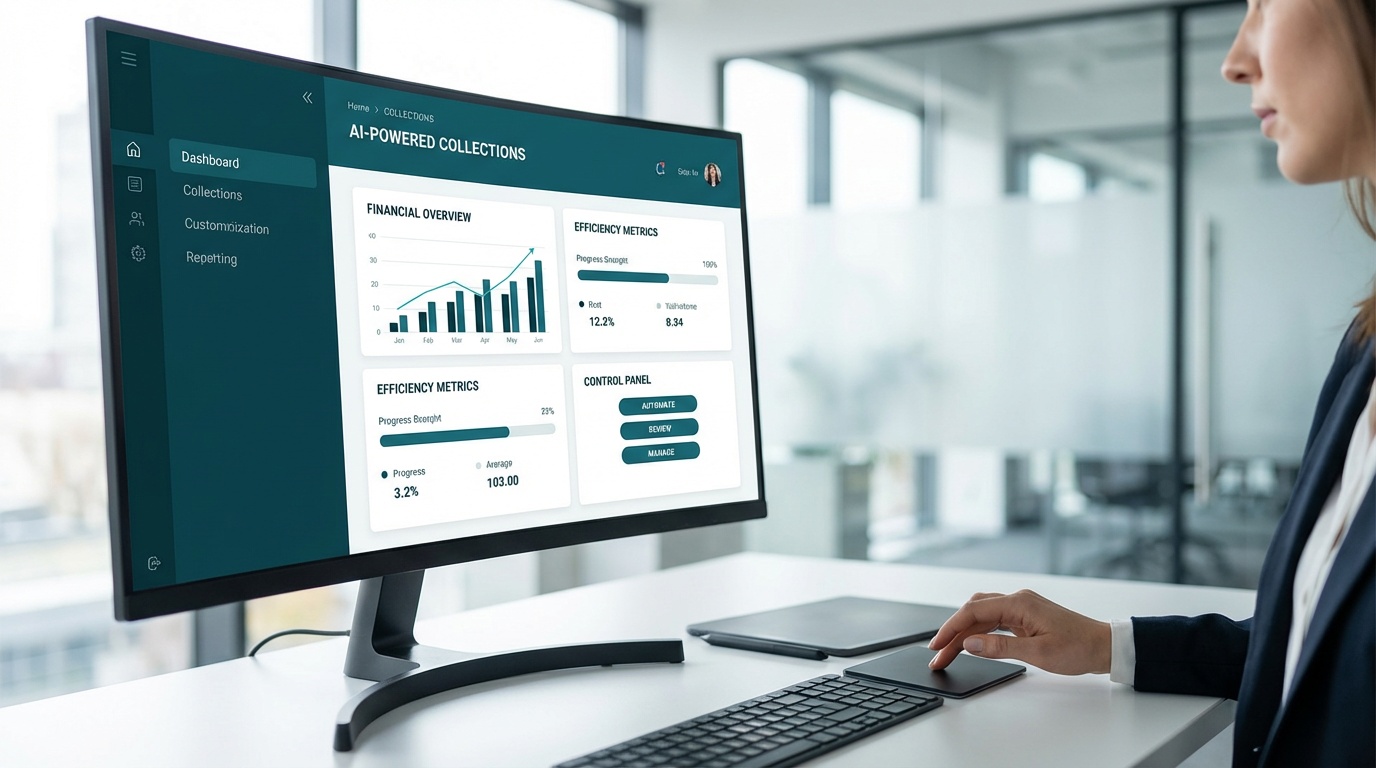
Dash's real-time dashboard tracks DSO, payment success rates, and customer engagement metrics. Watch these numbers weekly during the first 90 days. If DSO isn't dropping, diagnose why. Are reminders getting delivered? Are customers opening payment links but not completing transactions? Are error messages blocking payments?
Fast feedback loops fix problems before they become patterns. Standardized reporting keeps your team aligned on what's working and what needs adjustment.
Frequently Asked Questions
Why are self-service payment portals more efficient than traditional invoicing?
Self-service payment portals support 24/7 payments with direct links and fewer steps, significantly reducing the latency associated with manual review and delivery cycles of traditional invoicing. This automation and customer control lead to faster payment processing and notable reductions in Days Sales Outstanding (DSO). Traditional invoicing often relies on delayed delivery and manual follow-ups, which slows down the collection process.
How do self-service payment portals improve a business's cash flow?
Portals can reduce Days Sales Outstanding (DSO) by 30-40% compared to manual invoicing and follow-up workflows. They speed up recovery cycles through automated outreach and real-time tracking, allowing customers to pay immediately. This consistent, streamlined process directly improves cash flow by accelerating payment collection.
What challenges should businesses expect when implementing self-service payment portals?
Moving to portals can involve integrating with existing accounting systems, migrating data, and training staff on new workflows. Finance teams also need to define clear ownership for templates, payment options, and escalation paths for exceptions. Dash is designed for fast setup with minimal IT lift and guided onboarding to help overcome these hurdles.
How do self-service payment portals enhance the customer payment experience?
Portals give customers clear options, including card, ACH, and scheduled payments, allowing them to manage their balances and pay at their convenience. This moves payment control to the customer, simplifying the process and improving completion rates. Traditional invoicing can force customers into slower channels and back-and-forth questions about balances or receipts.
How do self-service payment portals help businesses maintain compliance?
Portals can standardize consent tracking, message frequency controls, and secure payment handling, reducing reliance on individual staff processes and judgment. Dash is designed to comply with regulations such as TCPA, FDCPA, HIPAA, and PCI DSS. This helps protect sensitive data and ensures communication practices align with industry standards.
Which industries benefit most from using self-service payment portals?
Industries with recurring bills, high invoice volume, or time-sensitive services tend to benefit most from portal-based payments. Healthcare, property management, legal services, storage, solar, and transportation often see faster resolution. For teams managing many accounts, the main gain is fewer manual touches per payment.
How do self-service payment portals reduce operational costs and staff workload?
By automating outreach and allowing customers to self-serve receipts, balances, and scheduled payments, portals significantly reduce manual tasks. This shifts staff time from routine follow-ups to managing exceptions that require judgment. The result is a more efficient operation with reduced administrative work and lower operational costs.