.png)
You sent the payment reminder. The balance is still overdue. But here's a question worth asking before you blame the customer: did the email ever reach their inbox? For accounts-receivable and collections teams, deliverability is quietly one of the biggest leaks in the recovery process. If your payment reminder emails are landing in spam, they can't be opened, and an unopened reminder never gets paid. The good news is that inbox placement is fixable, and the fixes are mostly within your control.
Why payment reminder emails are especially prone to spam
Email deliverability is hard for everyone. Roughly 1 in 6 marketing emails never reaches the inbox, with average inbox placement sitting around 83% in 2025, according to deliverability benchmarks compiled by MailReach. Collections and billing messages face an even steeper climb for a few specific reasons.
First, the language. Phrases that feel routine to a billing team—"urgent," "final notice," "act now," "amount due"—are the same words spam filters have been trained to distrust. Second, the sending pattern. Overdue-balance campaigns often go out in large, bursty batches to lists that include stale or mistyped addresses, and high bounce rates signal to mailbox providers that you may not be a careful sender. Third, complaints. When a recipient marks a debt-related email as spam, that single click does outsized damage to your domain reputation and makes the next message harder to deliver.
Put those together and you have a category of email that mailbox providers scrutinize closely. Getting it right is less about tricks and more about proving, message after message, that you are a legitimate sender people want to hear from.
The 2024–2026 rules that changed the game
If it feels like deliverability got harder recently, that's because the largest mailbox providers rewrote the rules—and they now enforce them.
Google and Yahoo
In February 2024, Google and Yahoo began requiring bulk senders (those sending more than 5,000 messages a day) to authenticate their mail with SPF, DKIM, and DMARC, offer one-click unsubscribe, and keep spam-complaint rates low. Google asks senders to stay below a 0.3% complaint rate and ideally under 0.1%, per Valimail's summary of the requirements. Enforcement has only tightened since: starting in November 2025, Gmail began temporarily or permanently rejecting non-compliant mail rather than quietly filtering it, according to PowerDMARC.
Microsoft Outlook
Microsoft followed suit. As of May 2025, Outlook and Hotmail require high-volume senders (again, 5,000+ messages per day) to have SPF, DKIM, and DMARC properly configured, or risk having their mail routed to junk or rejected outright, as Microsoft outlined for its ecosystem. Between the three providers, the vast majority of the consumer inboxes your reminders are trying to reach now demand the same basics.
The takeaway for AR teams: authentication is no longer a "nice to have" managed by IT someday. It is the price of admission to the inbox.
How to keep your payment emails out of the spam folder
You don't need to be a deliverability engineer to dramatically improve inbox placement. Work through this checklist.
1. Authenticate your sending domain
Set up SPF, DKIM, and DMARC records for the domain you send from, and make sure they're aligned. This is the single highest-impact step, and it's now mandatory at Google, Yahoo, and Microsoft. If you're not sure whether yours are configured, a free DMARC checker or your email provider's admin console can tell you in minutes.
2. Keep your list clean
Remove hard bounces promptly, correct obvious typos at intake, and stop mailing addresses that have never once engaged. A tidy list protects your sender reputation and keeps bounce rates in the range mailbox providers reward. Outdated lists are a leading cause of the deliverability drop-off that agencies see.
3. Watch your words and your cadence
Write reminders the way a helpful biller would talk, not the way a spam filter expects a scammer to. Lead with clarity—who you are, what the balance is for, and how to pay—rather than pressure. Space sends out instead of blasting your whole book of business at once, and vary your content so every message isn't an identical template.
4. Make opting out effortless
A visible, one-click unsubscribe or communication-preference option is now required for bulk senders, and it's also good practice. Counterintuitively, letting disengaged recipients leave quietly protects your complaint rate—and your ability to reach everyone else.
5. Monitor reputation and warm up new domains
If you move to a new sending domain or IP, ramp volume gradually rather than going from zero to tens of thousands overnight. Keep an eye on your complaint and bounce metrics so you can catch a reputation problem before mailbox providers do.
Why a purpose-built platform beats DIY email
Handling all of this by hand—through a generic email tool never designed for collections—is where many in-house teams stall. Authentication drifts out of date, complaint rates go unmonitored, and reminders quietly slide into spam while the team assumes customers are simply ignoring them.
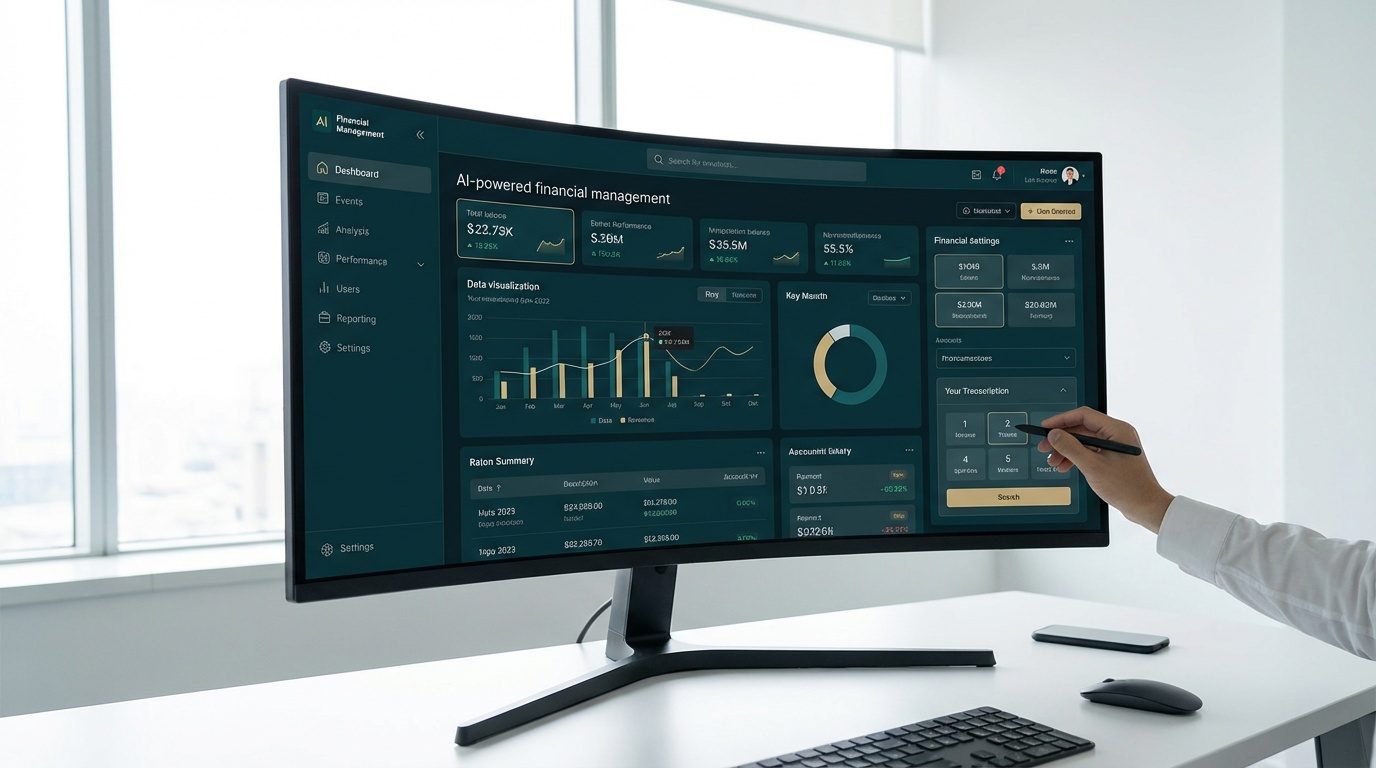
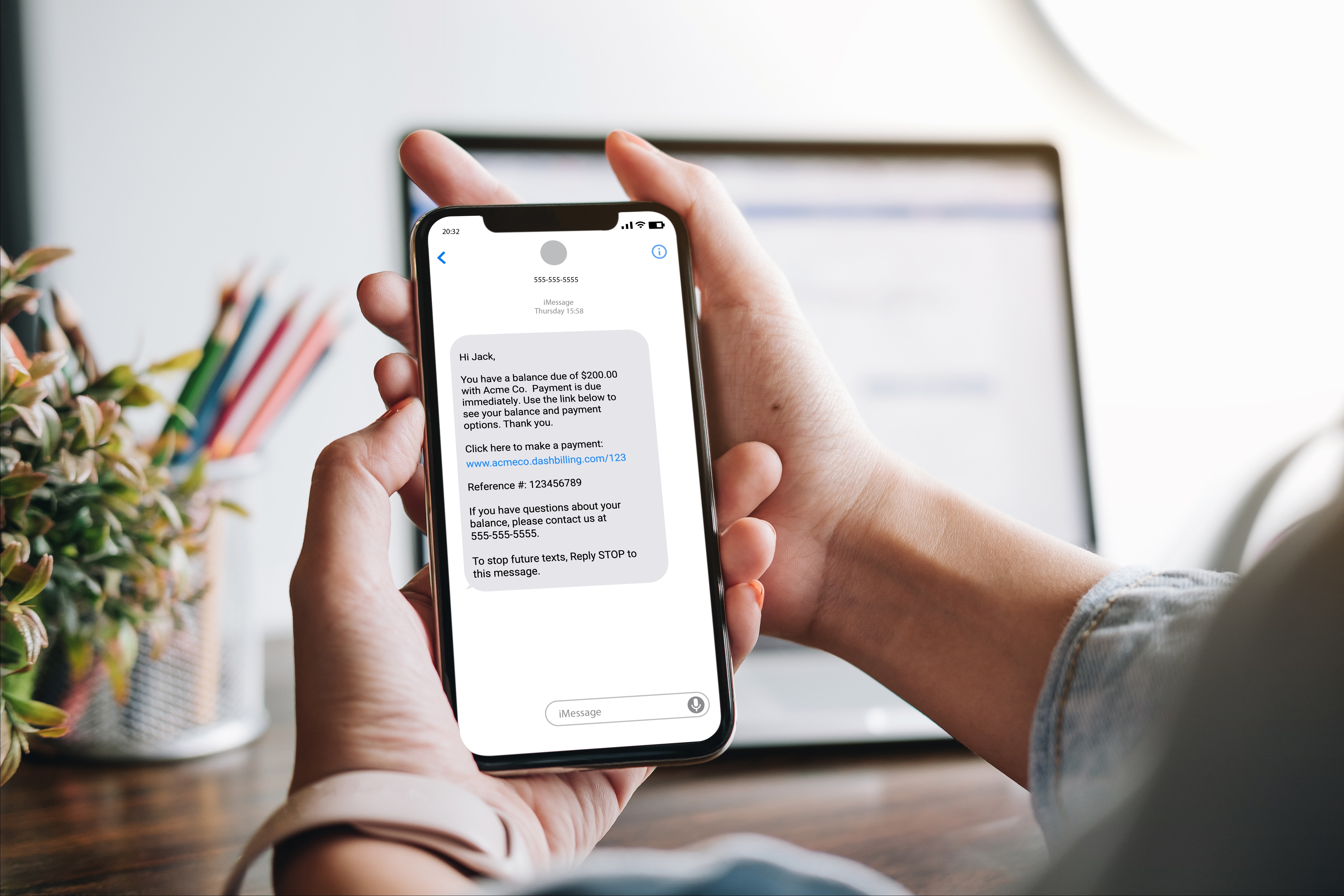
A platform built for recovery removes that guesswork. Dash automates outreach across both email and text, with self-service payment options that let customers pay the moment a message lands. Because Dash is built for accounts-receivable and consumer-payment workflows—and designed with TCPA and FDCPA compliance in mind—your reminders are engineered to reach people and convert, not to trip filters. Instead of wondering whether your messages arrived, you get real-time visibility into what was sent, delivered, and paid.
If deliverability has been a black box for your team, that's exactly the kind of blind spot Dash is built to close. See Dash in action and put your payment reminders back in the inbox.
The bottom line
When payment reminder emails go to spam, the cost isn't just a lower open rate—it's revenue you've already earned sitting uncollected. The path to the inbox in 2026 is clear: authenticate your domain, keep your list clean, write like a human, make opting out easy, and watch your sender reputation. Get those fundamentals right, and every reminder you send has a real chance to do its job—getting the account paid while keeping the customer relationship intact.













.jpg)







.jpg)